
The Settings button opens the window where you change the program language and adjust how DTC Remover behaves (Figure 1). Settings are remembered between sessions.

Choose the program language from the selector at the top; the interface updates to the selected language.
Note — The defaults suit most users. Change a setting only if you understand its effect; the options above can be turned back on or off at any time.
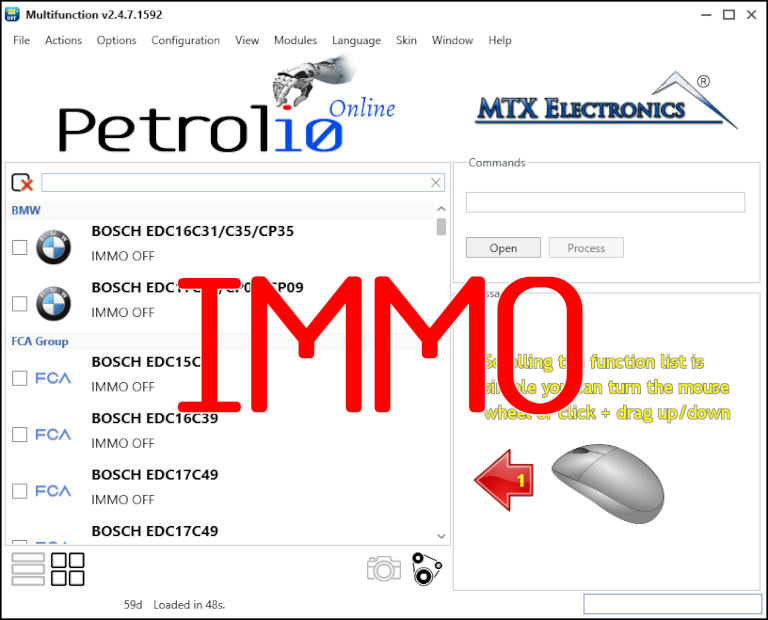
Immobilizer deactivation software for automotive professionals. Disable factory immobilizers directly in the ECU file ideal for engine swaps, track vehicles, and module replacements.
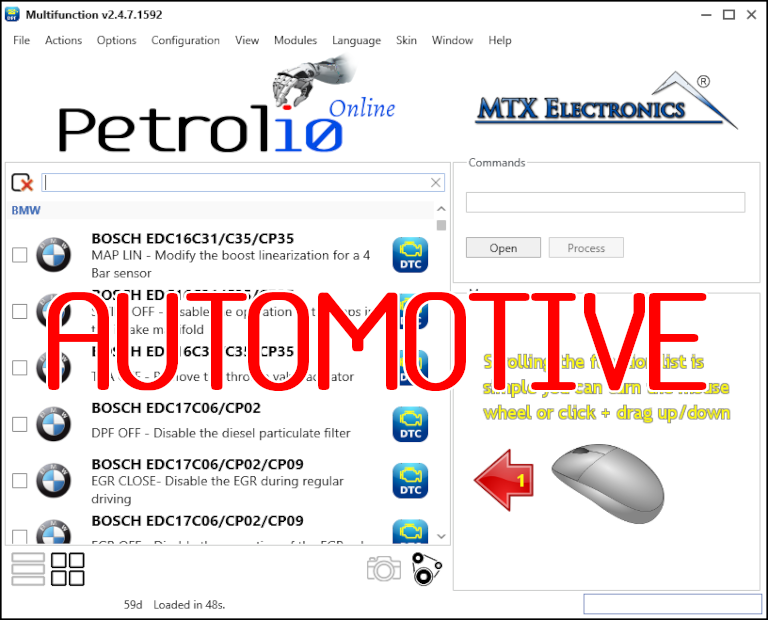
All-in-one application for tuning experts preparing vehicles for track use. Designed for professional workshops, it simplifies the deactivation of non essential components to unlock true performance.
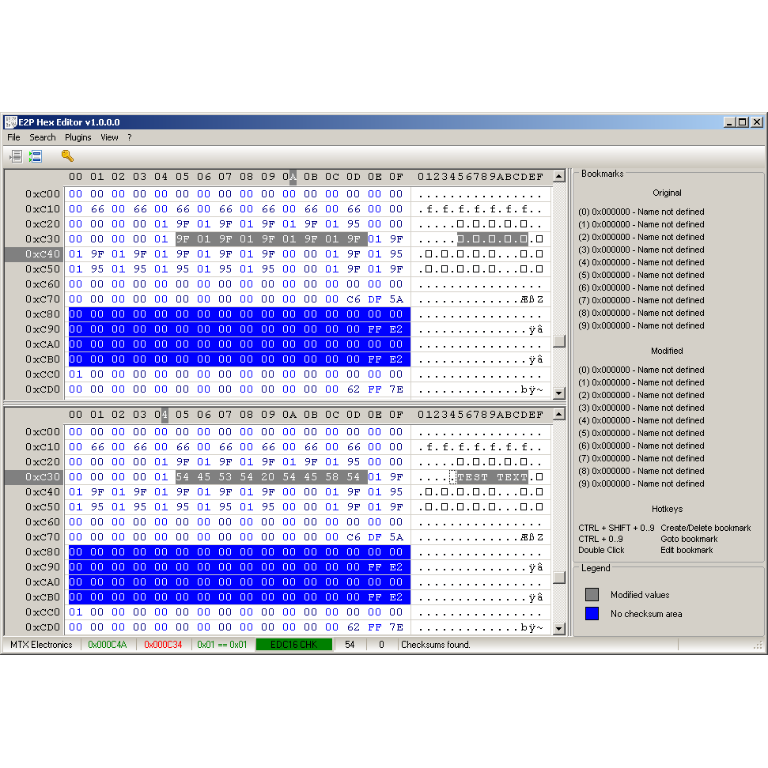
A hex editor built specifically for editing EEPROM data in automotive ECUs. With real-time checksum correction, side-by-side file comparison, and plugin support for automated tasks it's the ultimate tool for professionals.