
The Cam & Valvetrain calculator is the deepest tool in the set. It ties together the four things that decide how an engine breathes and survives at the top of the rev range: the cam timing, how the valves and ports flow, the springs that keep the valves following the cam, and the clearance between piston and valve. Open it from Calculators › Cam & Valvetrain. Lengths take inches or millimetres, and the Valve & Port tab can receive a CFM figure sent from Air Flow or the Turbo calculator.

Enter a cam card and this tab turns the raw figures into the numbers that describe its character. Duration is given two ways: advertised (total crank degrees the valve is off its seat) and @ 0.050″ (measured at 0.050″ of lift) — the latter is the standardised figure used to compare cams fairly. Lift combines lobe lift, rocker ratio and lash into the net valve lift (lobe lift × rocker ratio, less the lash). Timing takes the LSA (lobe separation angle), the ICL (intake centreline) and the intake/exhaust open and close angles.
From those it computes:
This tab asks whether the valve is big enough for the air you want to push through it. Enter the valve diameter, the peak valve lift (or click Use Tab 1 lift), a target port velocity (around 260 ft/s is a healthy aim), an optional required CFM (this is where a figure handed over from Air Flow or Turbo lands) and the air density. It then reports:
Sending the air target across from Air Flow or Turbo lets you size valves and ports against a real number rather than a guess.
A valve spring exists to keep the valve glued to the cam; when it cannot, the valve floats and power falls off a cliff (or worse). Enter the peak valve lift (or Use Tab 1 lift), the installed height, the seat and open pressures, and optionally the effective mass of the valvetrain. It returns the spring rate (lb/in), the spring’s natural frequency (Hz) and an estimated float RPM — the speed beyond which the valve can no longer follow the cam. The float estimate needs the effective mass; without it you still get the rate and a frequency.
The safety check. Enter the engine geometry (bore, stroke, rod length, deck clearance, gasket thickness — the From Mechanical Calculator button fills these from the Mechanical Calculator) and the valve geometry, and it sweeps through the overlap region to find the minimum piston-to-valve clearance and the crank angle where it is tightest. This is the number that confirms the valves and piston never touch — essential whenever you fit a bigger cam, advance the timing, or skim the head.
Tip — compare cams by their @ 0.050″ duration, not the advertised figure; bring a CFM over from Air Flow or Turbo to size the valve on tab 2; and never skip tab 4 after a cam or timing change — check the float RPM on tab 3 too, so the valvetrain can actually reach the speed you are planning for.
Note — the Valve & Port tab shows live coaching as you type: it tells you when L/D or the Mach index drifts out of the productive range, so you can spot a too-small port or wasted lift at a glance.
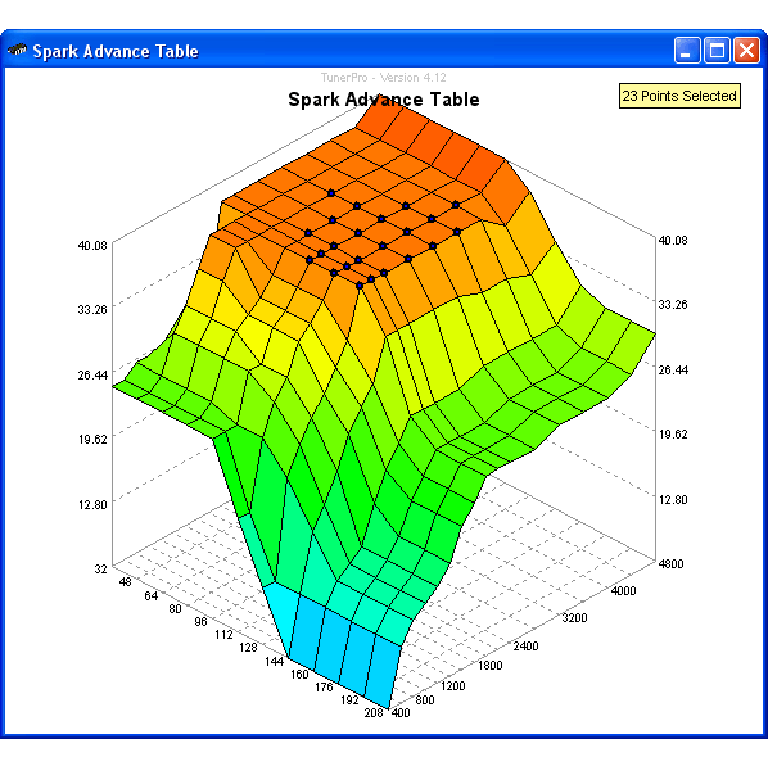
A free collection of checksum correction plugins for TunerPro that ensures safe ECU tuning. Automatically verify and update file checksums for reliable vehicle performance.
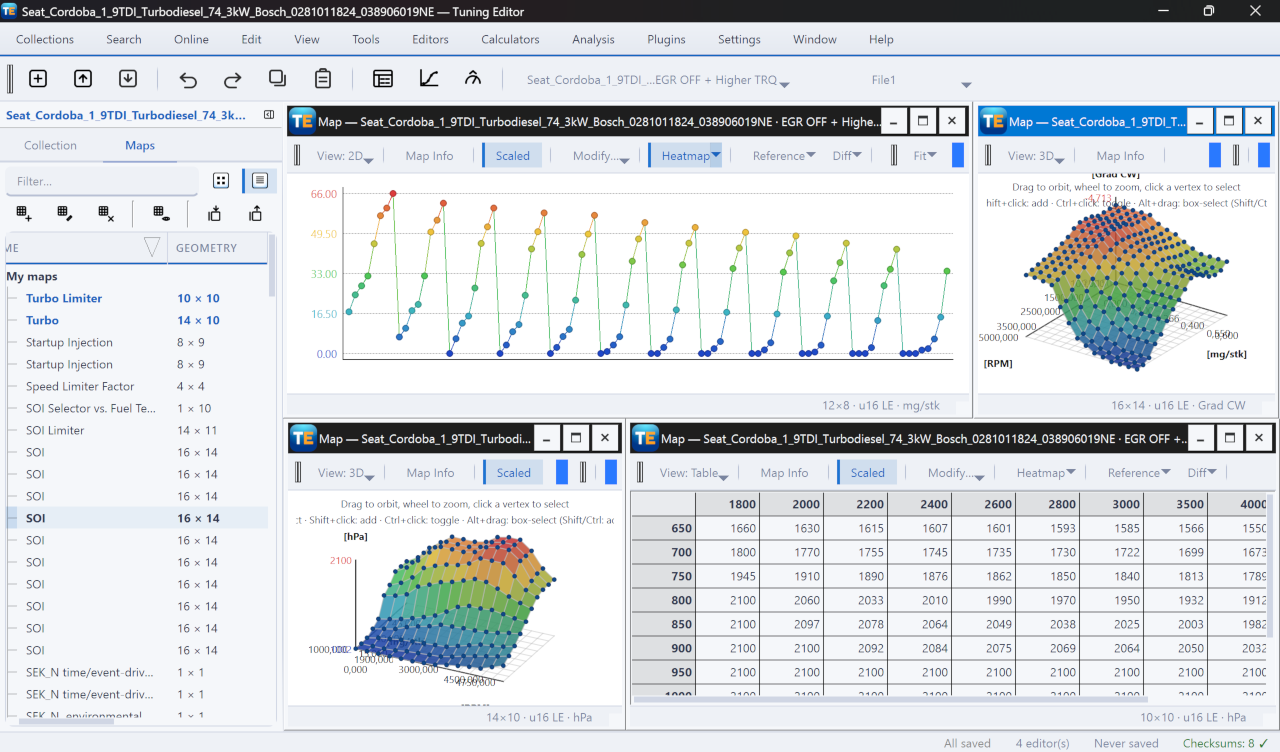
A free, modern Windows software for viewing and editing ECU calibration data - map and hex editors, tuning calculators, and online services.
All-in-one application for tuning experts preparing vehicles for track use. Designed for professional workshops, it simplifies the deactivation of non essential components to unlock true performance.