
The Cam Analyzer is the picture to the Cam & Valvetrain calculator’s numbers. It renders the lift, velocity and acceleration of the intake and exhaust valves across a crank-angle sweep, so you can actually see the overlap, how aggressively the lobe drives the valve, and where the valvetrain is loaded hardest. Open it from Analysis › Cam Analyzer.

Enter the intake duration (advertised), the intake centreline (ICL), the intake peak lift, the exhaust duration (advertised), the LSA and the exhaust peak lift. The From Cam Calculator button fills these straight from the values you already worked out in the Cam & Valvetrain calculator.
The lobe shape decides how the lift builds, so you pick a model:
Set the start, end and step of the sweep (for example −360° to +360° in 1° steps) to choose how much of the cycle to draw and how finely.
The chart has two Y axes. The left axis is lift (toggle inches or millimetres); the right axis shows either velocity (lift per degree) or acceleration (lift per degree squared). Per-curve toggles let you show or hide Lift, Velocity and Accel independently for the intake and exhaust. The overlap appears where the intake and exhaust lift curves cross near top dead centre; the velocity and acceleration peaks tell you how hard the lobe snaps the valve open and shut — the taller those peaks, the more spring the valvetrain needs to keep up.
Tip — pull the timing across from the Cam Calculator, then watch the acceleration peaks: an aggressive ramp makes power but demands more spring, so check the float RPM on the calculator’s Spring & Dynamics tab. The curves are also the quickest way to sanity-check overlap before a piston-to-valve clearance check.
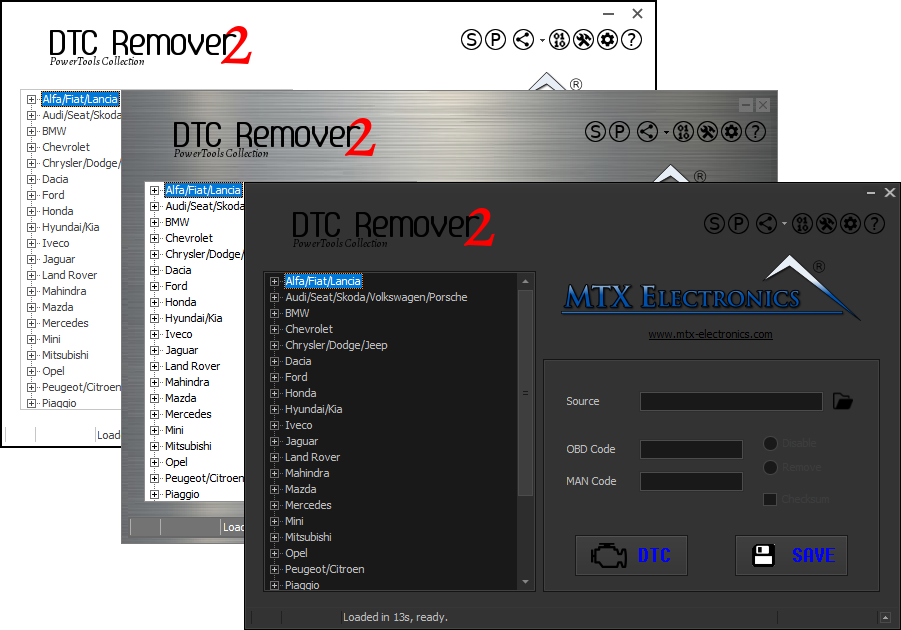
Lets you quickly disable fault codes to turn off the MIL light directly from your ECU file. Available in Standard and PowerTools editions with advanced scripting and online presets to remove faults by component groups.
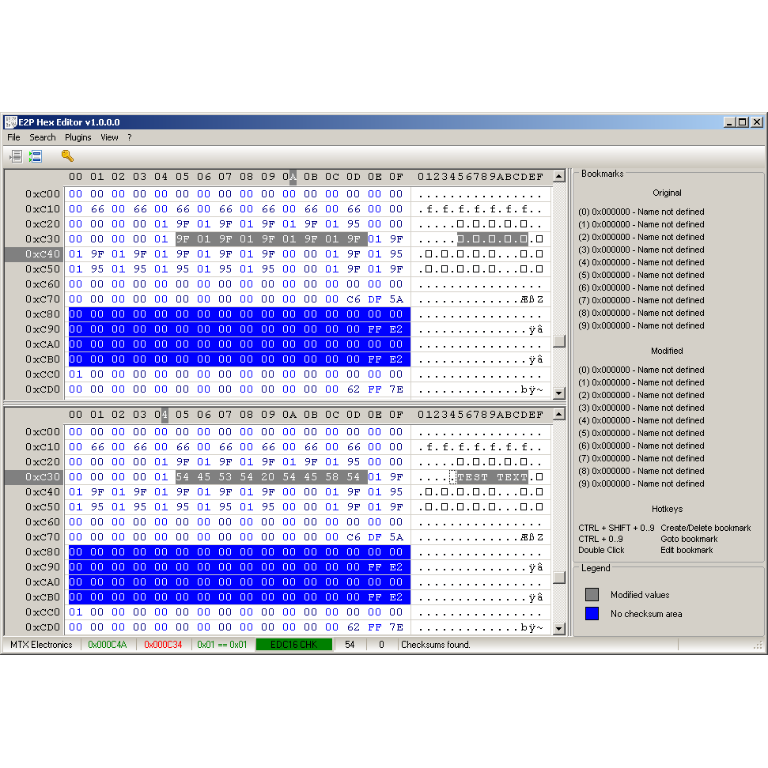
A hex editor built specifically for editing EEPROM data in automotive ECUs. With real-time checksum correction, side-by-side file comparison, and plugin support for automated tasks it's the ultimate tool for professionals.
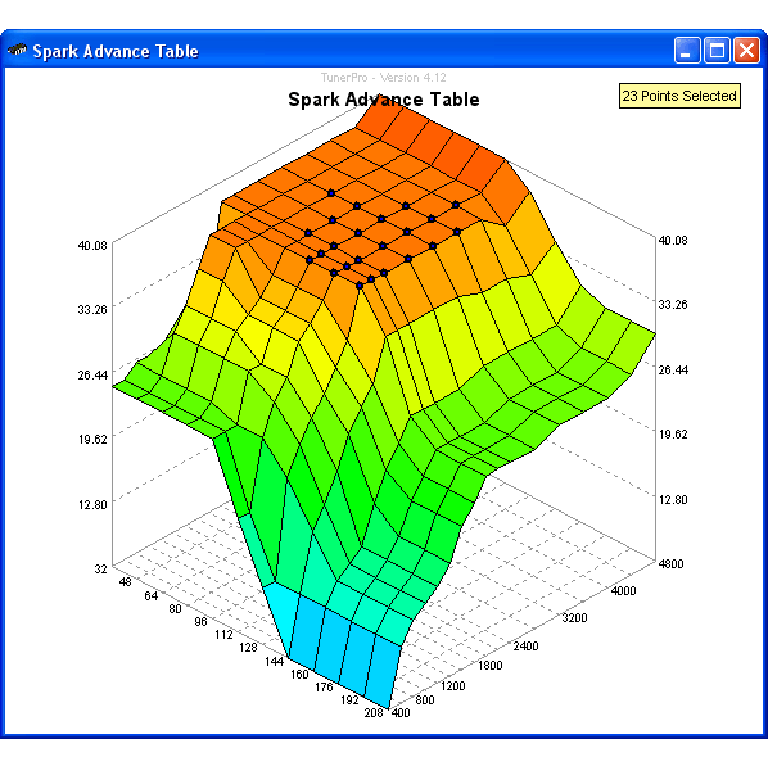
A free collection of checksum correction plugins for TunerPro that ensures safe ECU tuning. Automatically verify and update file checksums for reliable vehicle performance.