
Three of Tuning Editor's features connect to the MTX online services: finding files online, finding similar files online and Automatic Tuning. They are native features and share one account — sign in once and the session is used by all three.
Enter your username or email and password on the Online Features tab of Settings › Preferences, or use the Sign in button inside any online window. Once connected, the windows show Signed in as your account, with a Sign out option. If you do not have an account yet, register on the MTX website first.

The online windows show My files (the files in your account), your credit balance and your subscription status. Some files are free; others cost credits or are covered by a subscription, which may carry a subscriber discount and a daily file allowance. Files you already have are marked Owned or Downloaded.
When you download a file, Tuning Editor offers to Save it to disk or Import it straight into the application; for an AutoTune result you can also import the tune only.
Note — the online features need an internet connection and a signed-in account. If a window says you are not signed in, sign in here or from the window itself.
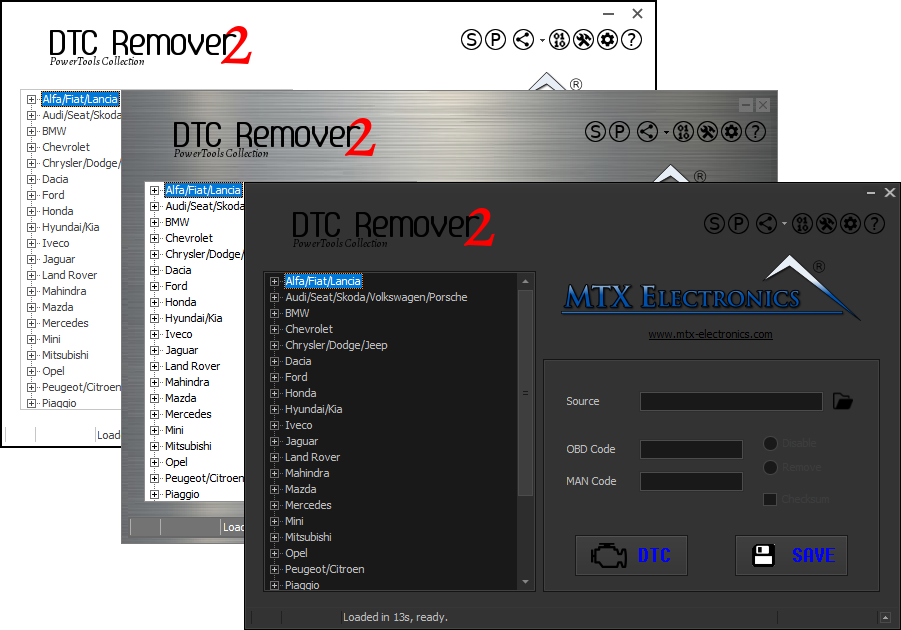
Lets you quickly disable fault codes to turn off the MIL light directly from your ECU file. Available in Standard and PowerTools editions with advanced scripting and online presets to remove faults by component groups.
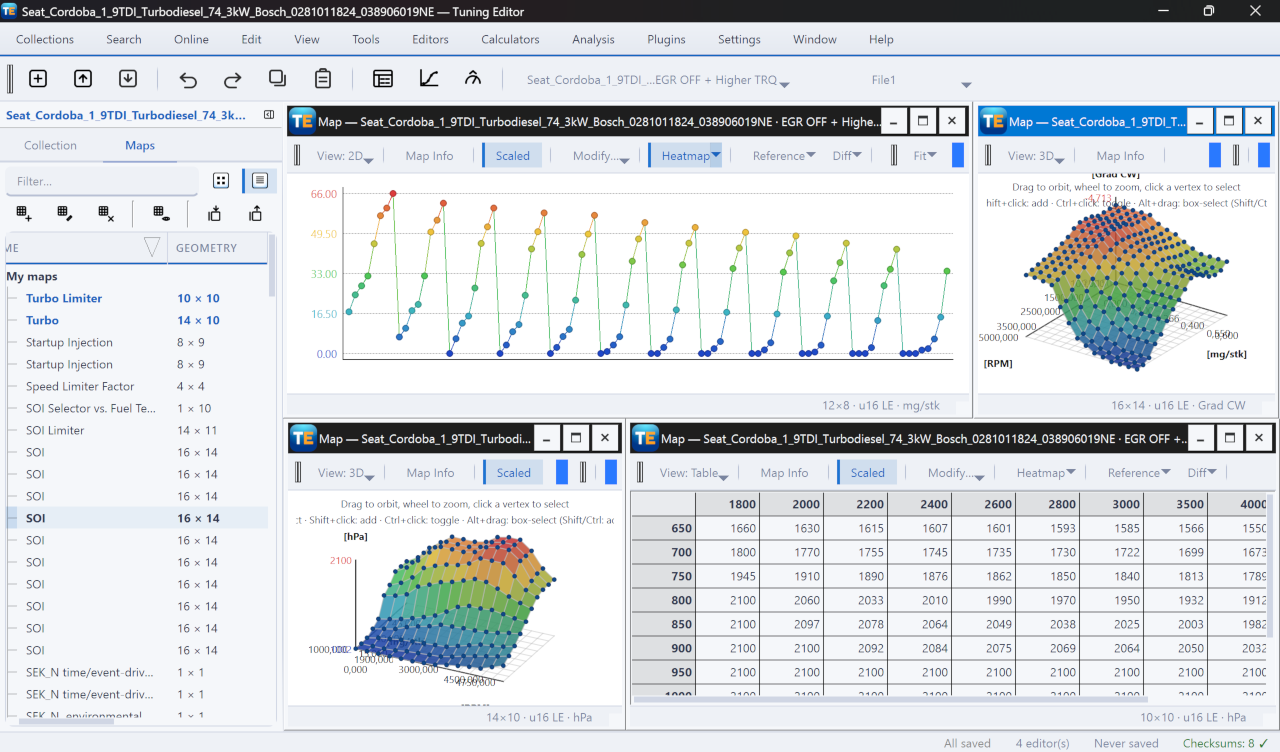
A free, modern Windows software for viewing and editing ECU calibration data - map and hex editors, tuning calculators, and online services.
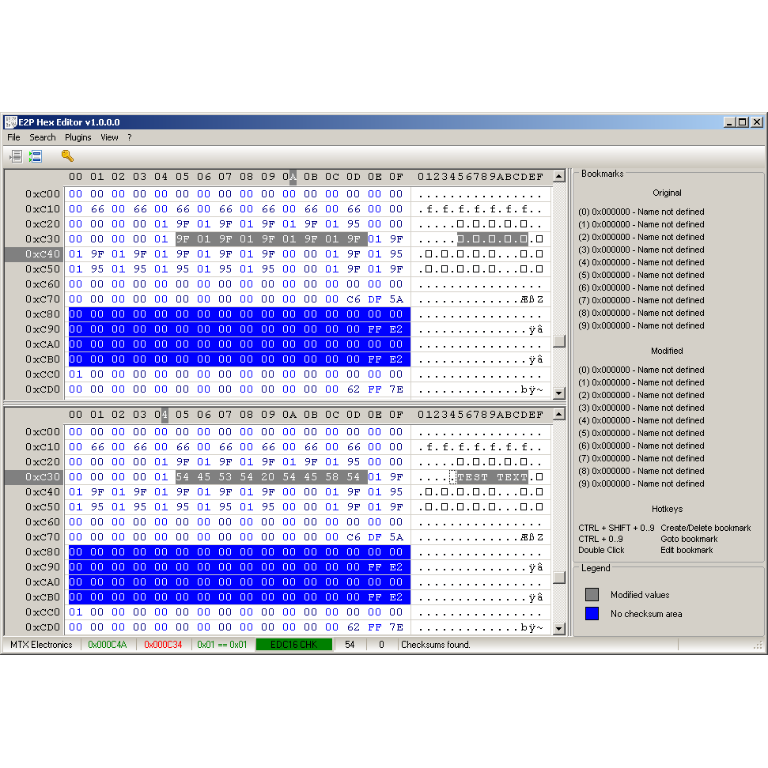
A hex editor built specifically for editing EEPROM data in automotive ECUs. With real-time checksum correction, side-by-side file comparison, and plugin support for automated tasks it's the ultimate tool for professionals.