
Batch export is the complement to batch import: it scans a folder of .mtxCol collections and exports each one’s section binaries to an output folder in a single pass. Collections are loaded and released one at a time, so a huge batch uses no more memory than a single collection. Open it from Collections › Export › Export Batch Binary; the window is reusable.

The flow mirrors batch import: choose the source folder, press Scan, set what to export and the output options, then Export.
Point the Folder at a directory containing .mtxCol files and choose whether to include subfolders. Scan lists the collections it finds, ready to export.
.hex) or Motorola S-record (.s19); installed I/O plugins can add more..mtxCol files are never modified.Warning — if the exported files will be flashed, leave checksum correction on. An ECU usually rejects an image whose checksum no longer matches its contents.
Set the destination Folder and a Layout — all files in one folder, or one subfolder per collection. A ${placeholder} naming template (the same tokens as single export, with a live example) builds each file name, and a collision policy decides what happens when a name already exists: add a number suffix, skip, or overwrite.
Tip — when many collections share similar names, choose one subfolder per collection so files never clash, and reserve a flat folder for cases where the naming template already makes every file unique.
As it runs, a results list reports each collection’s outcome — how many files were written, which were password protected or skipped, and any that held no data — with a summary on the status line.
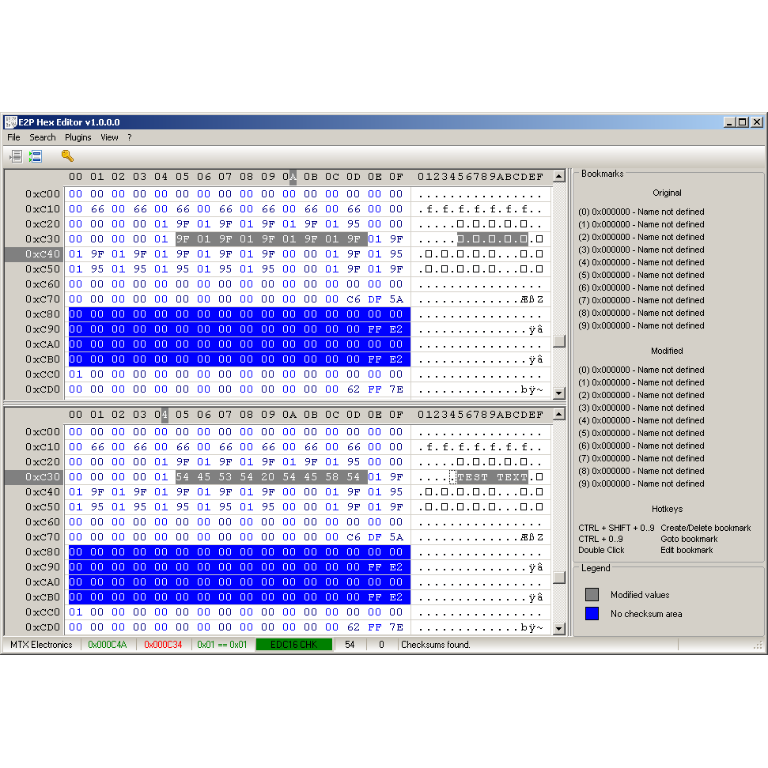
A hex editor built specifically for editing EEPROM data in automotive ECUs. With real-time checksum correction, side-by-side file comparison, and plugin support for automated tasks it's the ultimate tool for professionals.
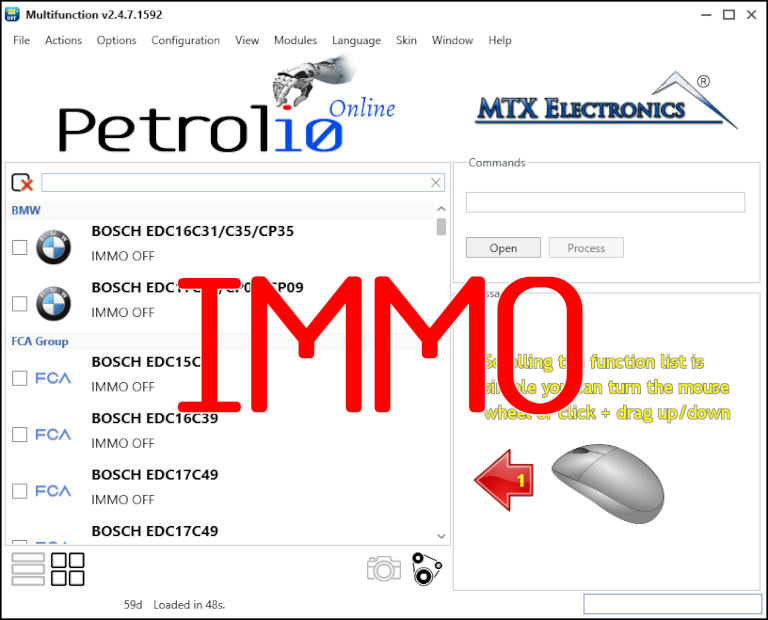
Immobilizer deactivation software for automotive professionals. Disable factory immobilizers directly in the ECU file ideal for engine swaps, track vehicles, and module replacements.
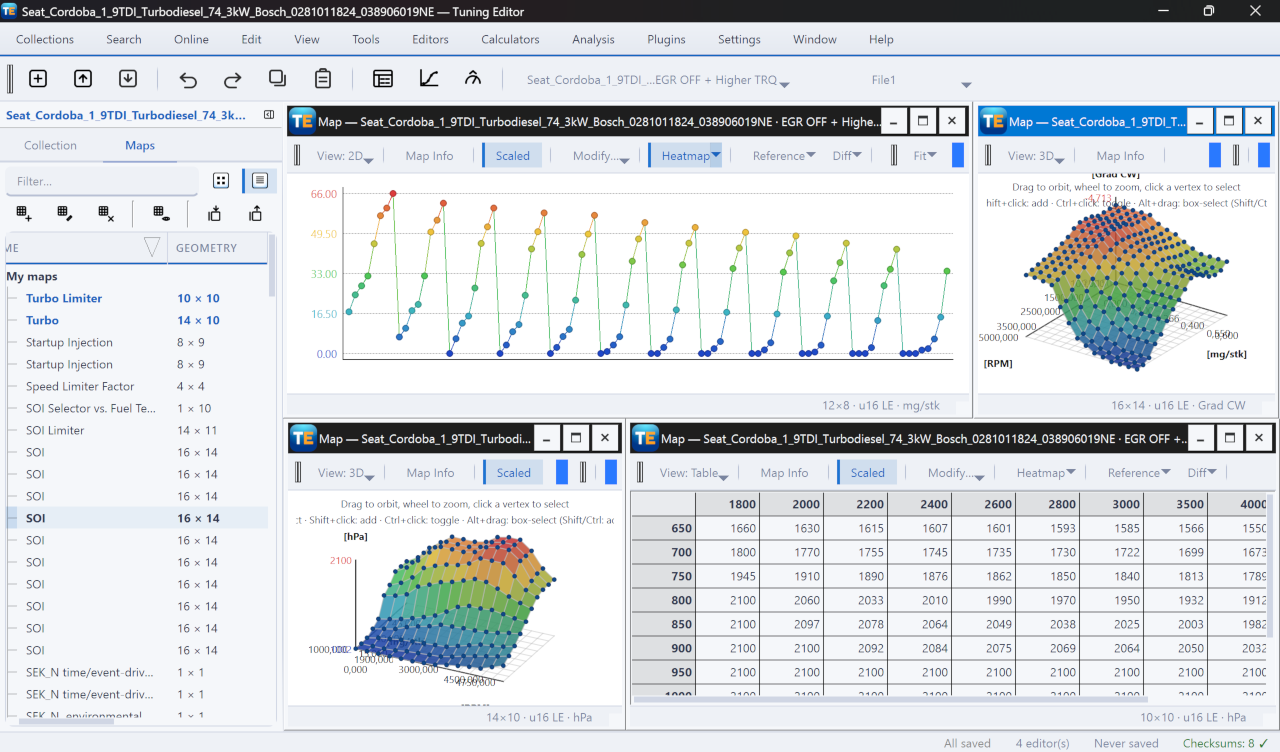
A free, modern Windows software for viewing and editing ECU calibration data - map and hex editors, tuning calculators, and online services.