
Batch import scans one or more folders of ROM dumps and builds many collections at once — reading metadata from the file names, grouping related files, classifying each as original or modified, and creating the collections in memory or straight to disk. Open it from Collections › Import › Import Batch Binary; the window is reusable and you can also drag folders or files onto it.

The flow is always the same: set the scan scope, press Scan, review the grouped preview, then Import. The configuration sits in collapsible groups at the top; the preview fills the rest.
Add the folders to search with Add Folder (and Remove to drop one), and choose whether to recurse into subfolders. By default only binary dumps are considered; tick Scan all files to widen that, and optionally set size bounds (a minimum in KB and a maximum in MB) to skip obvious non-ROMs. Scan runs in the background and can be stopped at any time; matches stream into the preview as they are found.
A ${placeholder} filename template pulls metadata out of each name — the same tokens used when exporting, so files you exported round-trip cleanly. Auto-detect missing fields from the catalog fills in the gaps (producer, model, ECU…) the template did not capture.
Files are gathered into planned collections either by file name (stem) or by detected identity. Each file is then classified and placed:
The preview is a grouped, editable tree: each planned collection with the files under it. You can rename a collection, change a file’s role (original/modified) or section, and right-click to Include or Exclude a file. A status line shows the valid and invalid counts, and a footprint estimate shows how much memory the in-memory result would use.
Pick an output mode:
Tip — use memory mode for a handful of files you want to open and edit, and folder mode to convert a big archive of dumps into sealed .mtxCol files in one go (see file security).
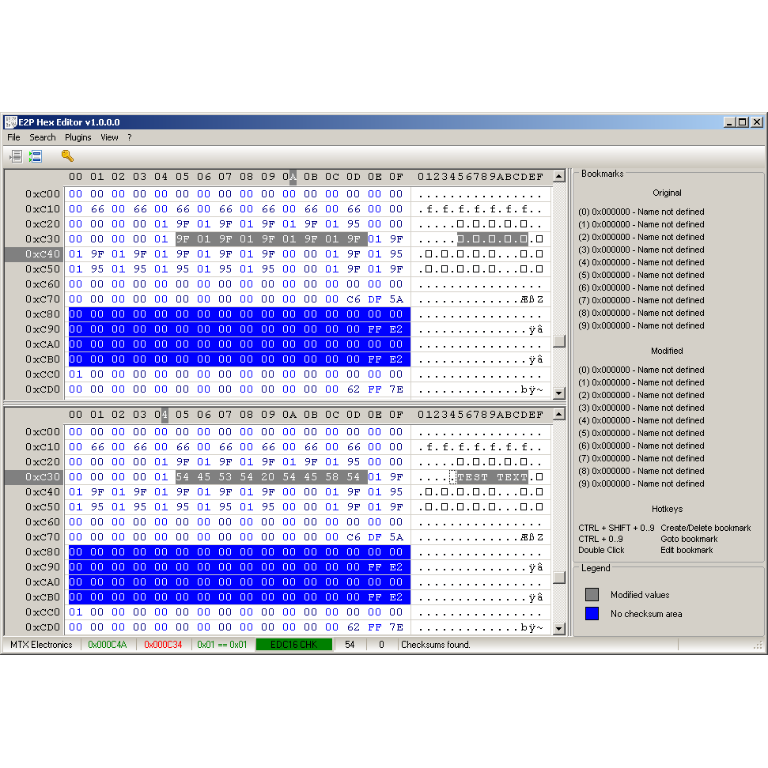
A hex editor built specifically for editing EEPROM data in automotive ECUs. With real-time checksum correction, side-by-side file comparison, and plugin support for automated tasks it's the ultimate tool for professionals.
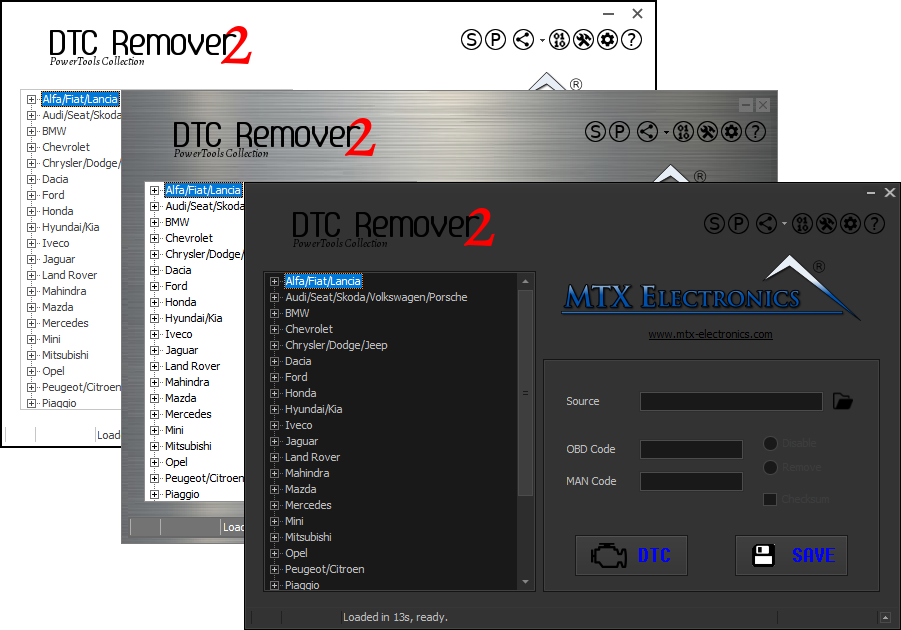
Lets you quickly disable fault codes to turn off the MIL light directly from your ECU file. Available in Standard and PowerTools editions with advanced scripting and online presets to remove faults by component groups.
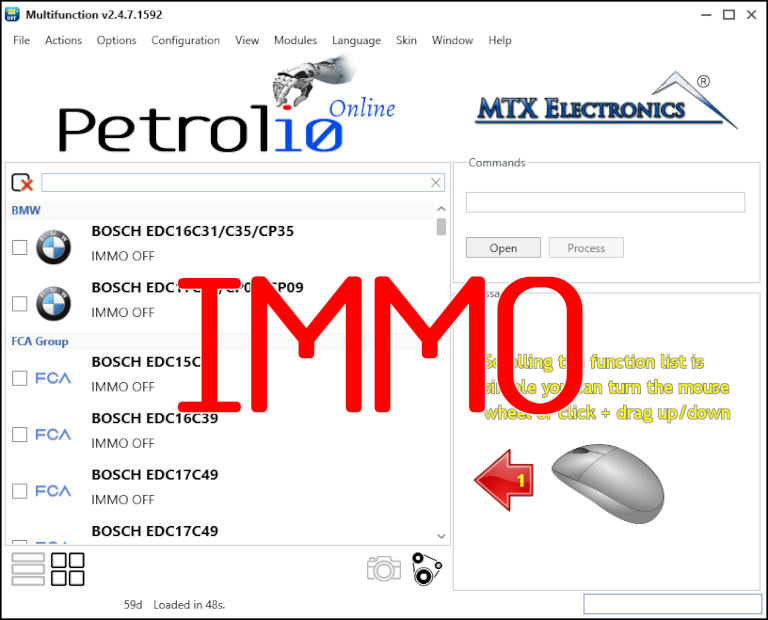
Immobilizer deactivation software for automotive professionals. Disable factory immobilizers directly in the ECU file ideal for engine swaps, track vehicles, and module replacements.