
External Tools let you add your own programs to Tuning Editor and launch them from the Tools menu — optionally handing them the open collection or map through placeholders. You define and edit them in Configure External Tools, reached from Tools › Configure Tools….

The left side is the Tools list — your defined tools, which you can drag to reorder (the order is how they appear in the menu). + Add creates a new entry and − Remove deletes the selected one; a hint shows where the list is stored on disk.
The right side is the Tool details form for the selected tool:
& marks a keyboard mnemonic)..exe.Ctrl+Alt+D).Two buttons help while you set a tool up: Test Run launches it there and then, and Placeholder reference… opens a list of the available placeholders with their current values.
In Arguments and Working dir you can drop in ${…} tokens that expand at launch to the current context, so the tool acts on whatever you have open:
${activeCollectionPath} — the full path of the active collection file.${activeCollectionDir} — the folder that collection lives in.${activeCollectionName} — the collection’s name.${activeMapName} — the name of the active map.For example, an Arguments field of "${activeCollectionPath}" --flag passes the open file to the program. The Placeholder reference… button shows the full set with the values they currently resolve to for the active collection.
Each configured tool appears in the Tools menu with its title, icon, tooltip and shortcut. Choosing it runs the program in the chosen run mode; if you ticked Capture output, its output appears in a dialog when it finishes, and if you ticked Ask for confirmation, you are prompted first.
Tip — for a command-line utility whose result you want to read, combine Run and wait with Capture output; and use ${activeCollectionPath} in the arguments so the tool always works on the file you currently have open.
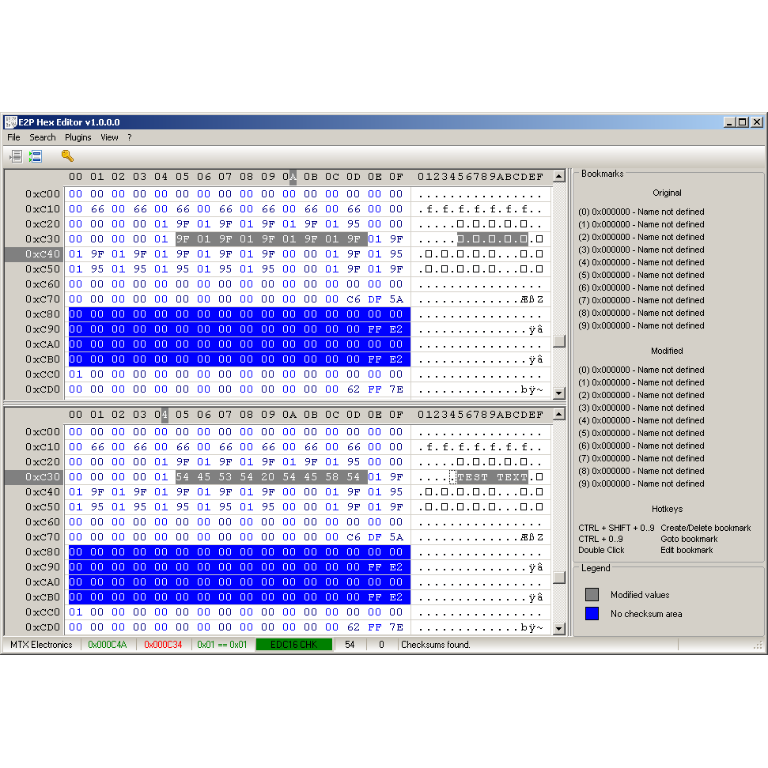
A hex editor built specifically for editing EEPROM data in automotive ECUs. With real-time checksum correction, side-by-side file comparison, and plugin support for automated tasks it's the ultimate tool for professionals.
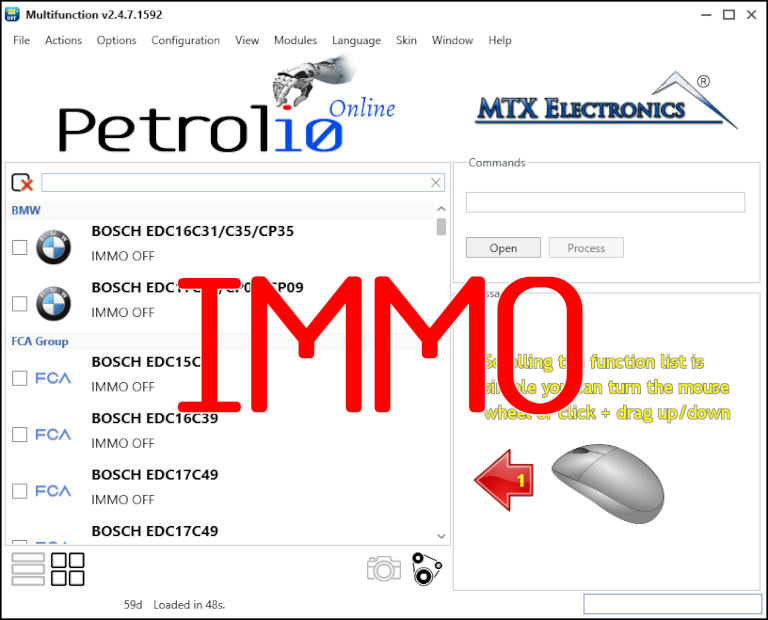
Immobilizer deactivation software for automotive professionals. Disable factory immobilizers directly in the ECU file ideal for engine swaps, track vehicles, and module replacements.
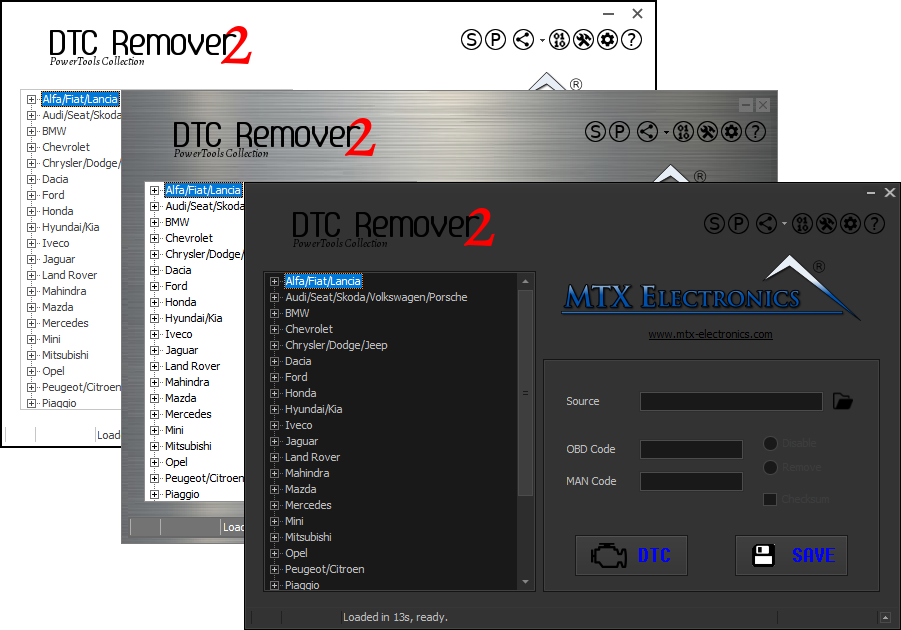
Lets you quickly disable fault codes to turn off the MIL light directly from your ECU file. Available in Standard and PowerTools editions with advanced scripting and online presets to remove faults by component groups.