
Preferences holds Tuning Editor’s settings, grouped into tabs. Open it from Settings › Preferences…. This page covers the General and Online Features tabs and the Defaults tab in full.

The sign-in used by the online tools (such as AutoTune and the online file search): your Username or email, your Password (with a Show toggle), and Remember me on this device.
The Defaults tab sets the starting behaviour for the editors and other features. It is laid out as a category list on the left that switches a page of options on the right; the categories are below.

.rec file.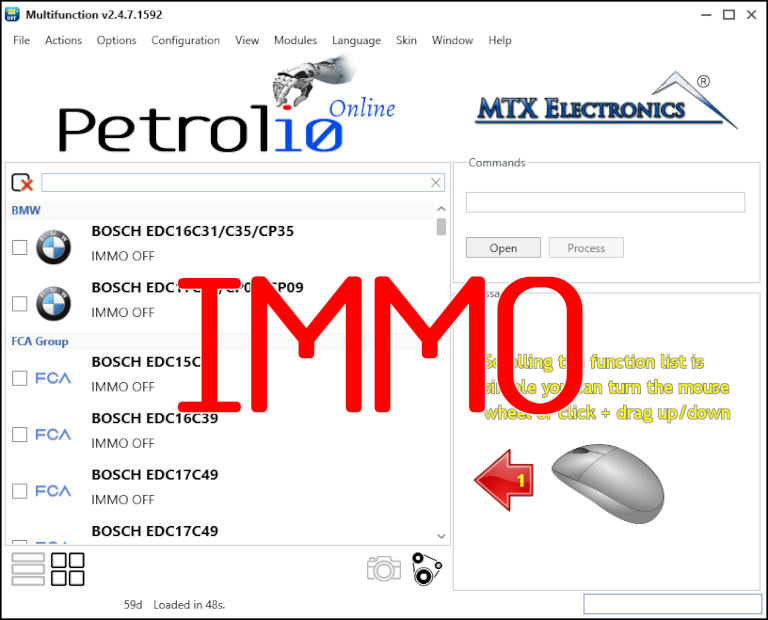
Immobilizer deactivation software for automotive professionals. Disable factory immobilizers directly in the ECU file ideal for engine swaps, track vehicles, and module replacements.
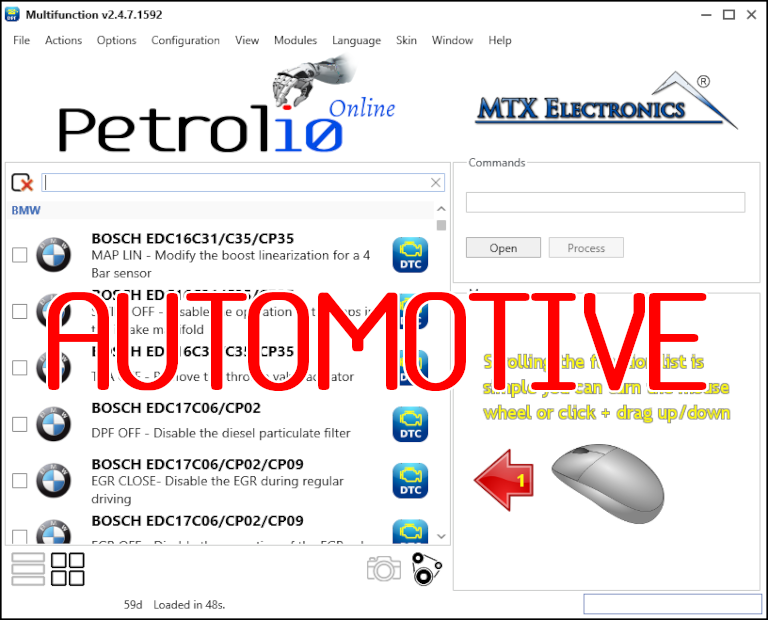
All-in-one application for tuning experts preparing vehicles for track use. Designed for professional workshops, it simplifies the deactivation of non essential components to unlock true performance.
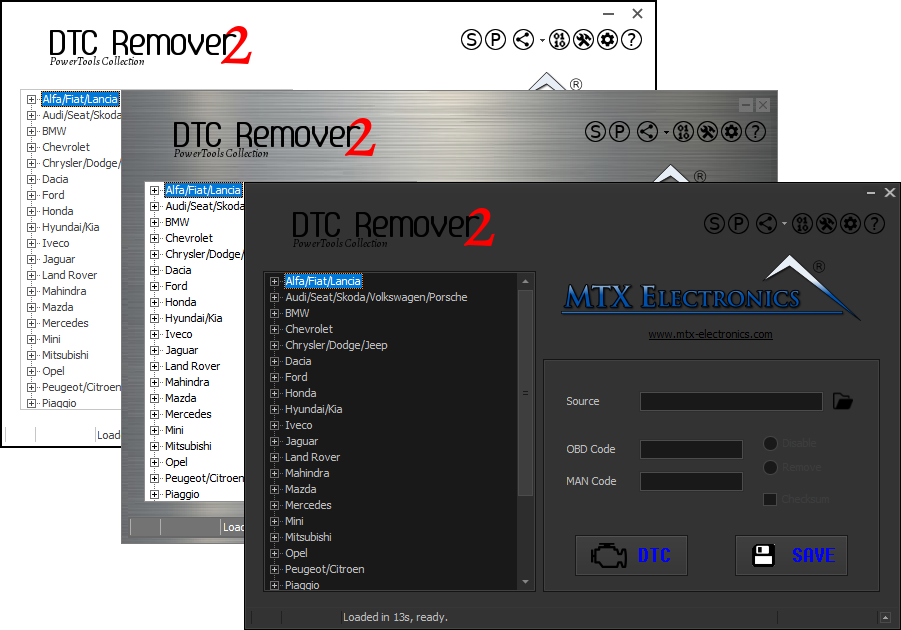
Lets you quickly disable fault codes to turn off the MIL light directly from your ECU file. Available in Standard and PowerTools editions with advanced scripting and online presets to remove faults by component groups.