
This is the full keyboard-shortcut reference for Tuning Editor. The application also has a built-in, searchable list: open Help › Keyboard Shortcuts… (Ctrl+/) and type in the Find box to filter by action or key — it is built live from the menus, so it always reflects your version.

Ctrl+N — NewCtrl+O — OpenCtrl+S — SaveCtrl+Shift+S — Save AsCtrl+W — CloseAlt+Enter — PropertiesCtrl+Shift+B — Import BinaryCtrl+Shift+E — Export BinaryCtrl+Shift+A — Import A2L Symbol FileCtrl+Q — QuitCtrl+Shift+F — Find Similar Files (on your disk)Ctrl+Shift+O — Find Files OnlineCtrl+Alt+F — Find Similar Files OnlineCtrl+Shift+M — Find MapCtrl+Shift+T — Automatic Tuning (AutoTune)F11 — Full ScreenCtrl+Alt+R — Reset LayoutCtrl+B — Hide Side PanelsCtrl+H — Hex EditorCtrl+M — 2D File EditorCtrl+Shift+P — Pair Offset WindowCtrl+Shift+N — Navigation WindowCtrl+Tab — Next WindowCtrl+Shift+Tab — Previous WindowCtrl+Shift+U — Unit ConversionsCtrl+Shift+L — Log AnalyzerCtrl+, — PreferencesCtrl+/ — Keyboard ShortcutsThe standard editing keys work in the hex, 2D file and map editors:
Ctrl+Z — UndoCtrl+Y — RedoCtrl+C — CopyCtrl+V — PasteCtrl+A — Select All (map editor)Ctrl+F — FindDel — Delete (map list)Move between maps, notes and differences in the hex and 2D file editors:
Alt+← — Previous mapAlt+→ — Next mapAlt+↑ — Previous noteAlt+↓ — Next noteF3 — Next differenceShift+F3 — Previous differenceCtrl+F3 — Next pair differenceCtrl+Shift+F3 — Previous pair differenceCtrl++ — Increase columnsCtrl+- — Decrease columnsCtrl+Shift++ — Increase columns (×8)Ctrl+Shift+- — Decrease columns (×8)Ctrl+Shift+A — Align rows to cursorCtrl+Shift+0 — Clear row alignmentCtrl+T — Hide toolbarCtrl+1 — Flat viewCtrl+2 — Tree viewCtrl+N — New mapCtrl+E — Edit the selected map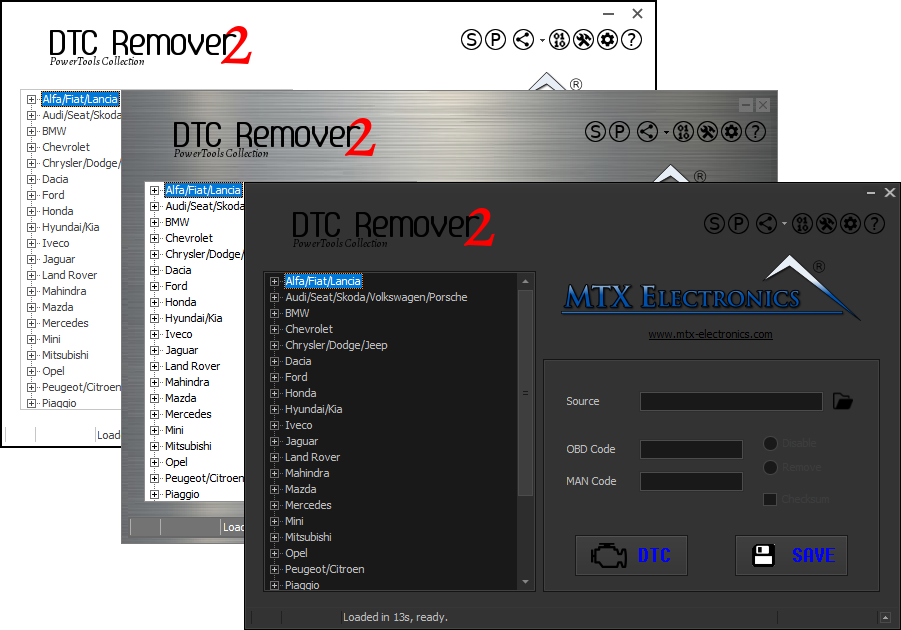
Lets you quickly disable fault codes to turn off the MIL light directly from your ECU file. Available in Standard and PowerTools editions with advanced scripting and online presets to remove faults by component groups.
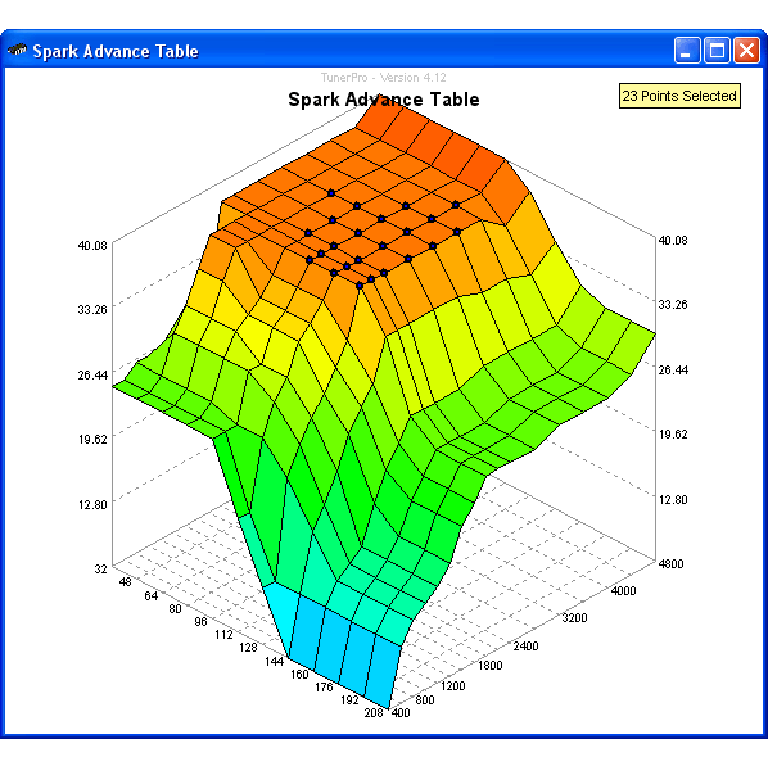
A free collection of checksum correction plugins for TunerPro that ensures safe ECU tuning. Automatically verify and update file checksums for reliable vehicle performance.
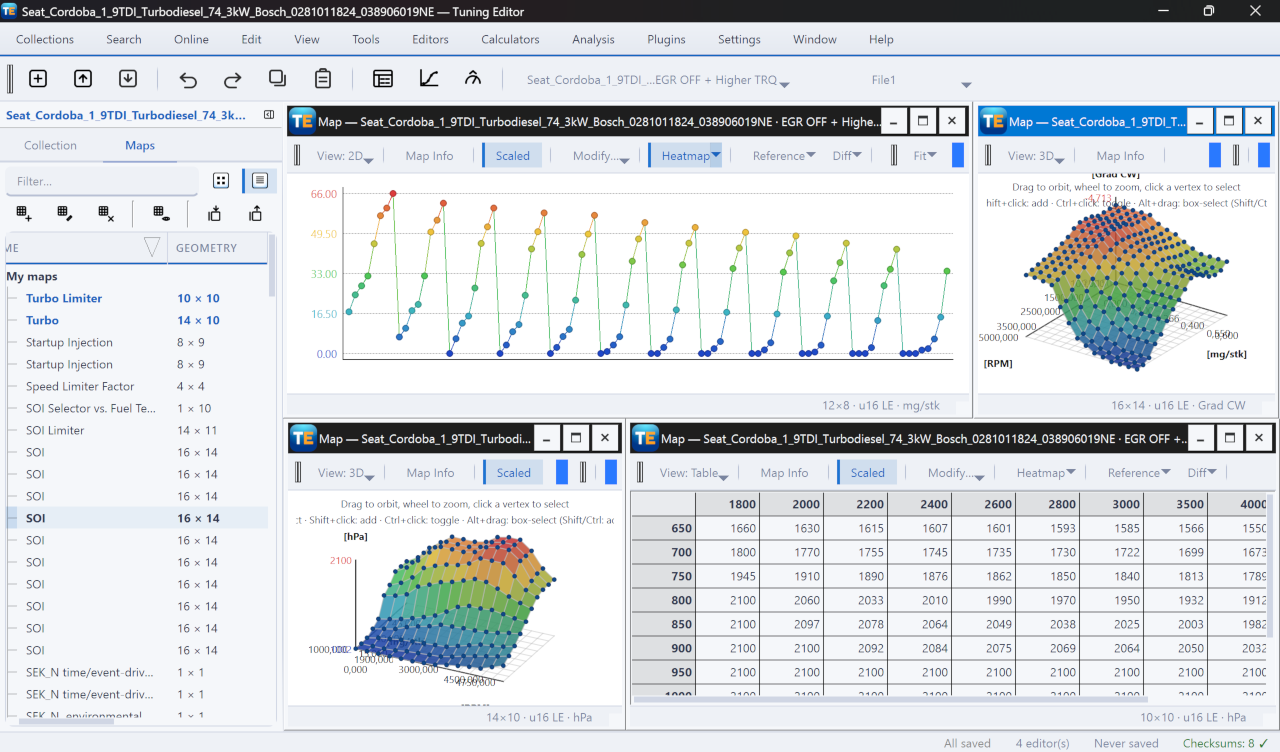
A free, modern Windows software for viewing and editing ECU calibration data - map and hex editors, tuning calculators, and online services.