
The 2D file editor plots a whole section as a curve — the value of each cell against its position — so you can see the shape of the data and edit it directly. It is the graphical companion to the hex editor: the same bytes, shown as a plot instead of a grid. Open it from Editors › 2D File Editor (Ctrl+M); it works on the active version’s active section, and a thin density bar down the side shows where the data varies.

The toolbar runs along the top, in groups from left to right:
Right-click in the plot for the full command surface — more than fits on the toolbar:
0x… or decimal).The floating Navigation and Pair Offset windows do the same jobs in a dockable panel — see comparing & navigating files.
The bar along the bottom has three segments:
[REF] or [DIFF] tag when a comparison view is active.With the Diff view on, the editor compares the current version against the chosen reference — showing the reference value, the delta or the percent change, and letting you focus on what actually changed. The Navigation menu’s Previous / Next Difference step between the changes.
Select points — an X-Range band or a Rectangle — then apply a Modify operation: Fill sets them to one value, Add/Subtract shifts them, Multiply scales them, Interpolate lays a linear ramp across the selection, and Smooth averages neighbours to take out spikes. Copy and paste move values between selections. Every edit is undoable on this section’s own undo stack, and Read-only protects a file you only mean to inspect.
Warning — editing the data changes the file’s integrity value. Correct the checksum on export, or the ECU may reject the image.
A note attaches a comment (title and text) to a span of the curve. Add one from a selection, edit or delete it later, and step between notes. Notes are metadata, so they stay available even in read-only mode — they are the same region comments you see across the collection.
Tip — the plot makes a smooth curve with one ugly spike obvious at a glance. Select around the spike and use Smooth or Interpolate to clean it up — far easier than spotting it in raw hex.
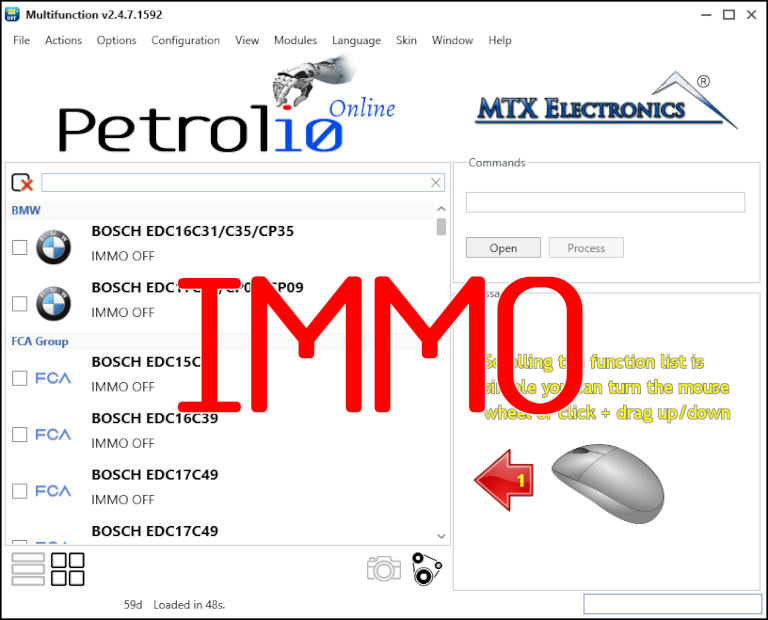
Immobilizer deactivation software for automotive professionals. Disable factory immobilizers directly in the ECU file ideal for engine swaps, track vehicles, and module replacements.
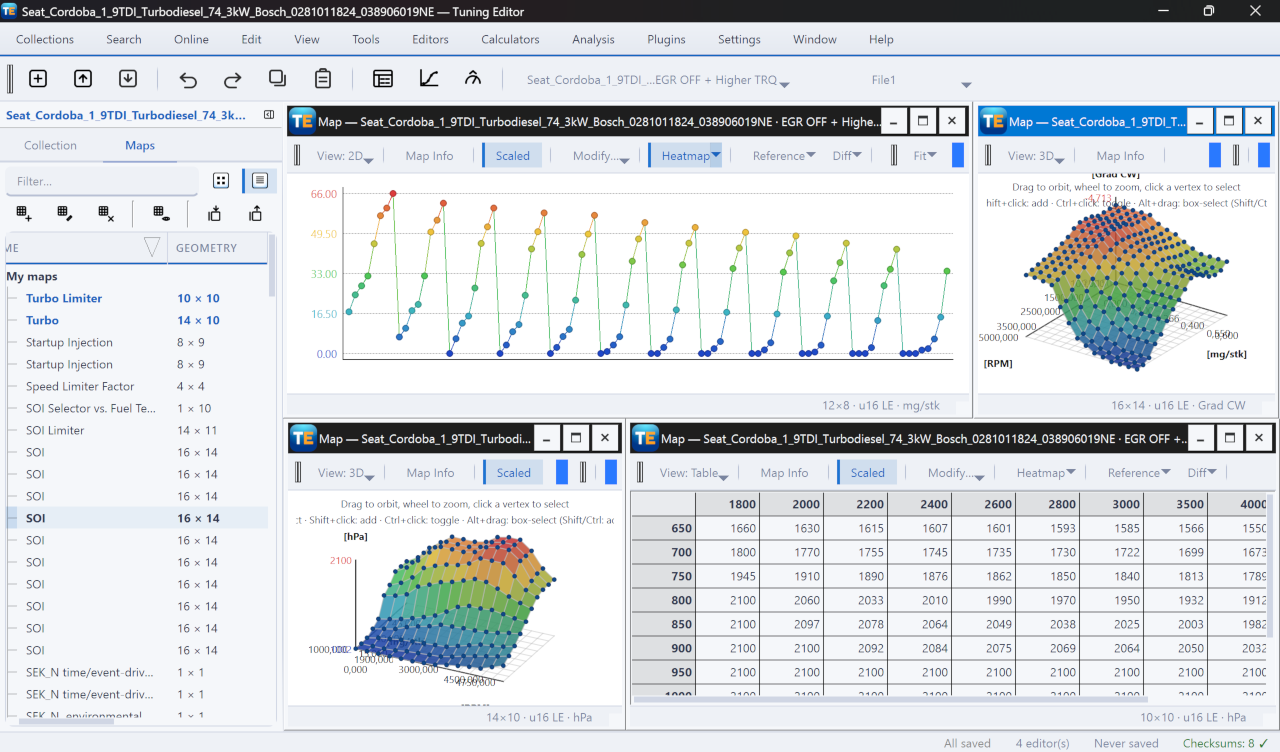
A free, modern Windows software for viewing and editing ECU calibration data - map and hex editors, tuning calculators, and online services.
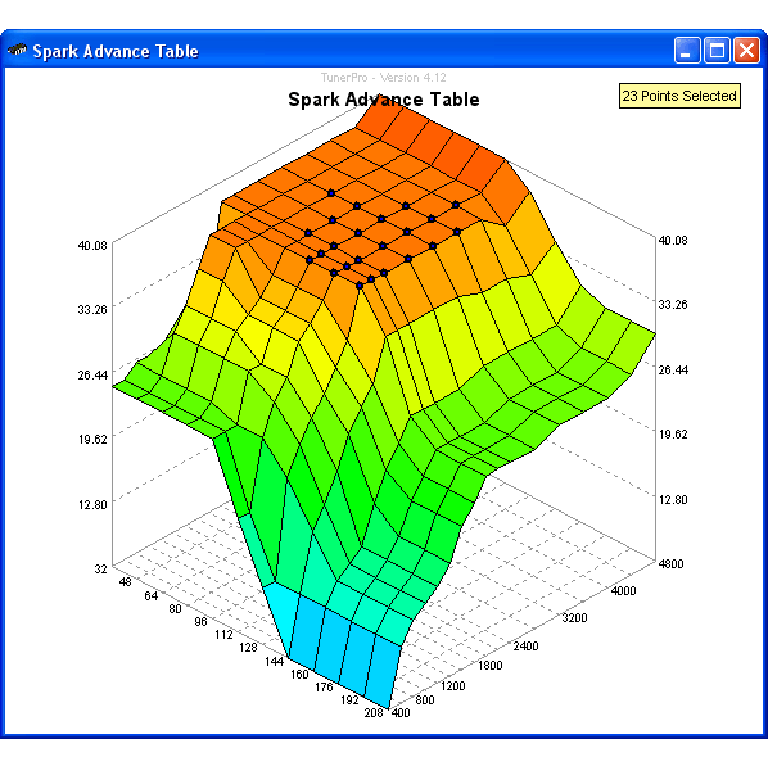
A free collection of checksum correction plugins for TunerPro that ensures safe ECU tuning. Automatically verify and update file checksums for reliable vehicle performance.