
A map pack is a portable bundle of map definitions — each map’s name, address, size, axes, scaling and type — optionally carrying the cell data too. It lets you move a set of maps between collections, and between tools, without an A2L. The format round-trips with ECUZilla map packs. Export and import are available from the map list and the Collections menu.

Every map in a pack records its full definition — name, address, dimensions, scaling, marker, type and the X/Y axis blocks — so the receiving collection knows exactly how to lay the map out. A pack can also include the cell data (the actual values), and when it does it stores a provenance hash of the binary the cells were read from.
The Export dialog offers three choices:
.mtxPack, the native format).The Import dialog loads a pack and lists its maps (ID, address, whether cell data is present). You then decide how it lands:
Tip — applying cell data to a new version keeps your working version untouched, so you can compare the imported values against it before deciding to keep them.

An A2L is the manufacturer’s authoritative symbol file for a specific ROM; a map pack is a lighter, shareable bundle you build and export yourself and can pass between files and tools. Use the A2L to define maps from scratch, and a map pack to reuse that work elsewhere.
Note — CSV is the most portable choice for sharing layouts, but it carries definitions only. Use JSON or MTX when you also want to move the cell values.
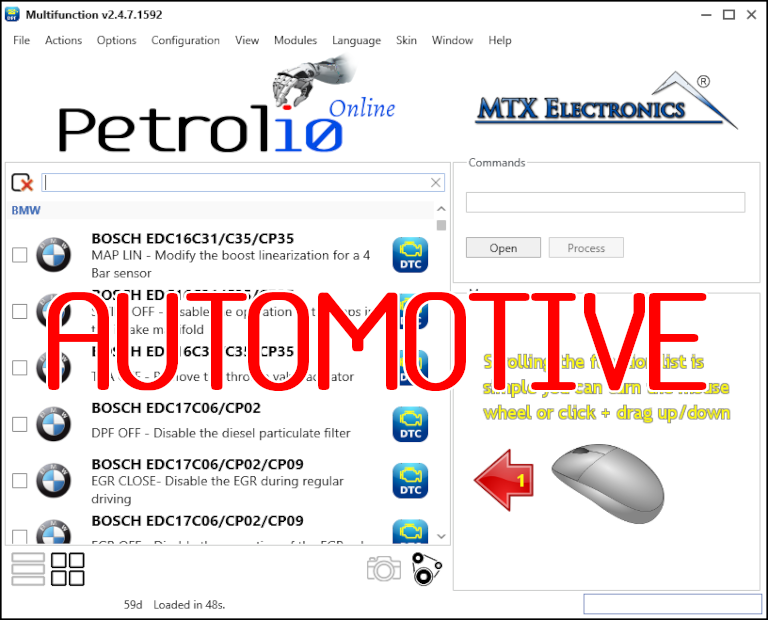
All-in-one application for tuning experts preparing vehicles for track use. Designed for professional workshops, it simplifies the deactivation of non essential components to unlock true performance.
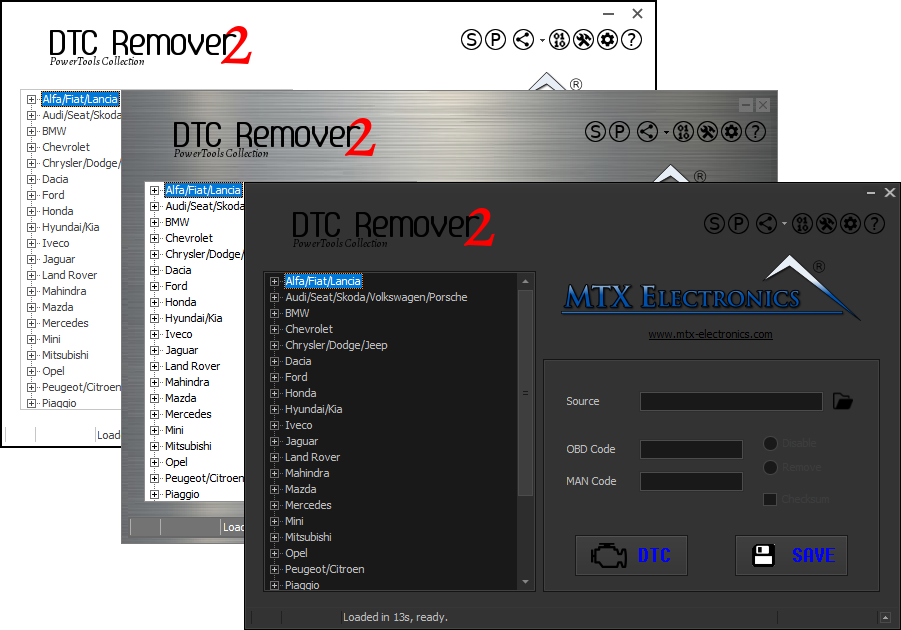
Lets you quickly disable fault codes to turn off the MIL light directly from your ECU file. Available in Standard and PowerTools editions with advanced scripting and online presets to remove faults by component groups.
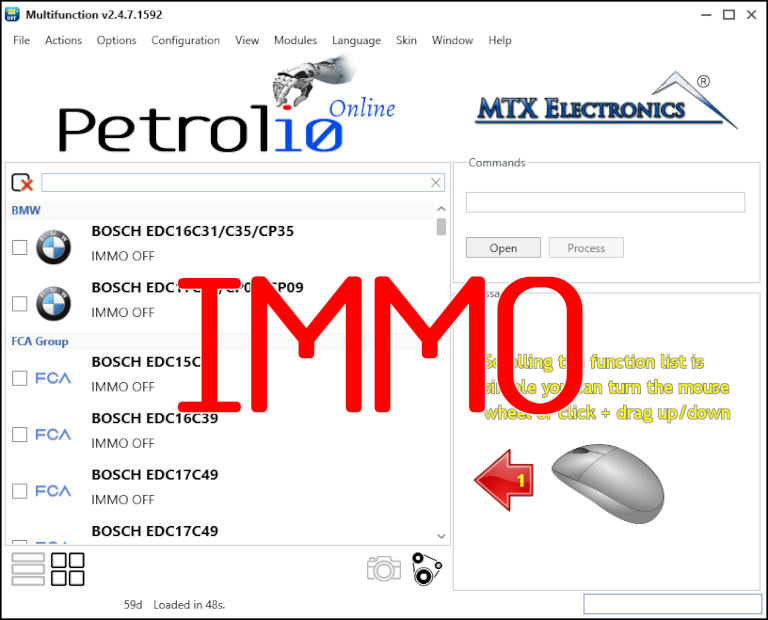
Immobilizer deactivation software for automotive professionals. Disable factory immobilizers directly in the ECU file ideal for engine swaps, track vehicles, and module replacements.