
You can start a new job in several ways:
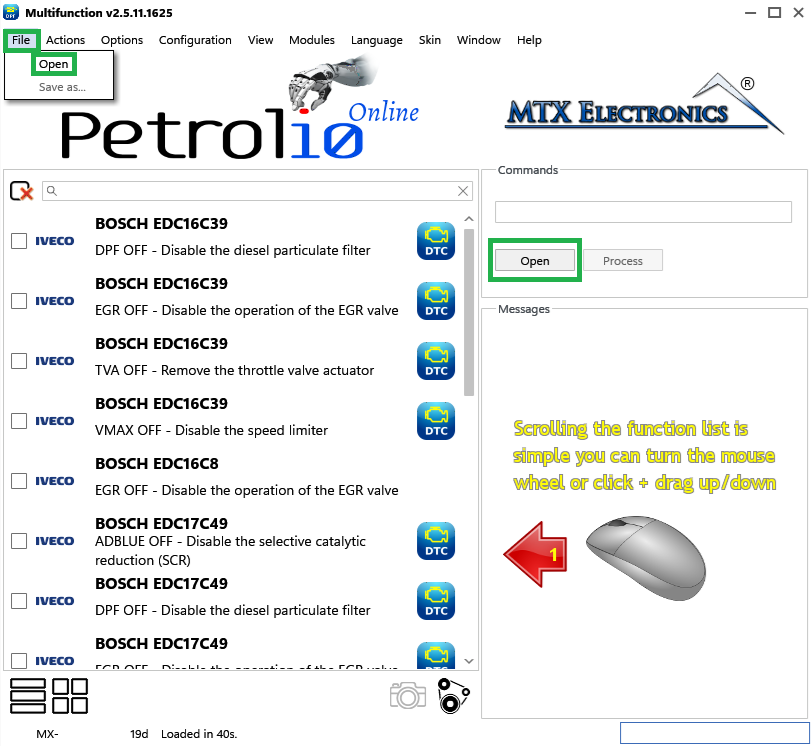
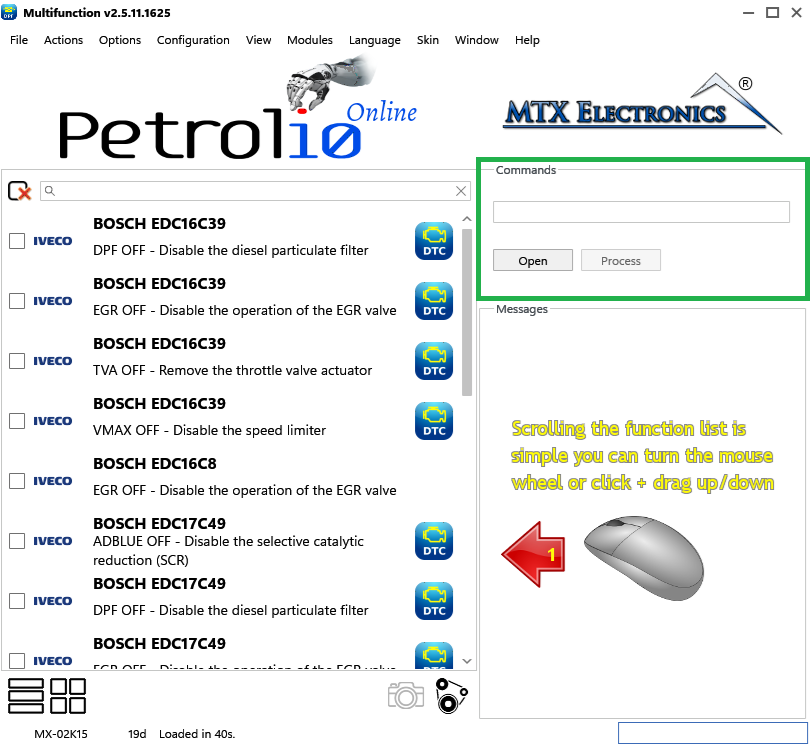
The Commands area accepts a file either by drag-and-drop or with the Open button.
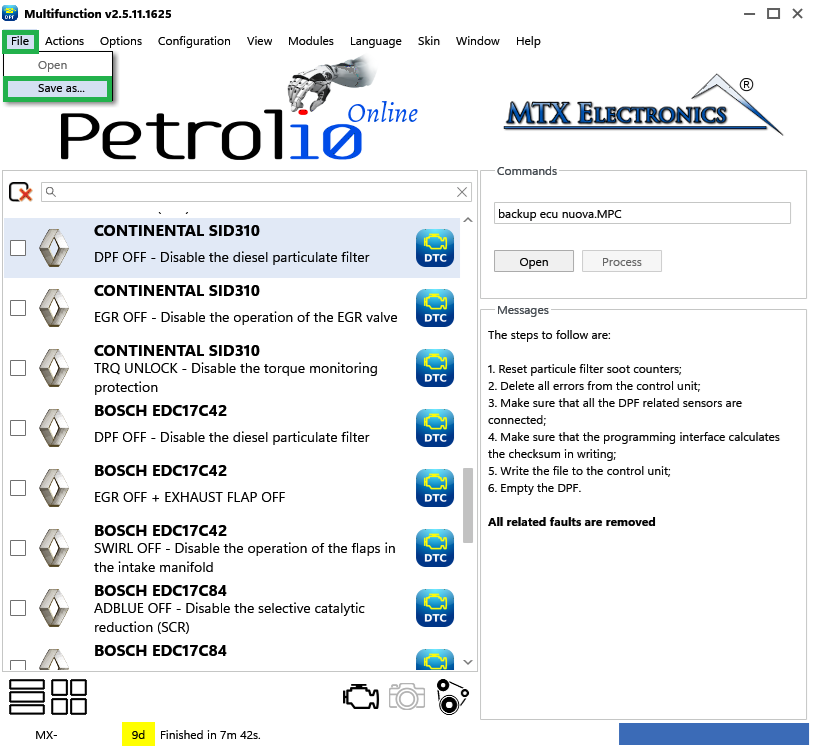
When you have made your changes, choose File › Save as... to save the file with everything applied (for example DPF OFF, EGR OFF, DTC OFF, and so on).
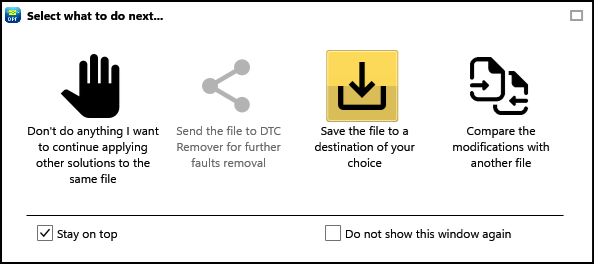
Note — After the solutions are processed, an export window appears (Figure 4). Its "Save file to a destination of your choice" icon does the same thing as File › Save as...
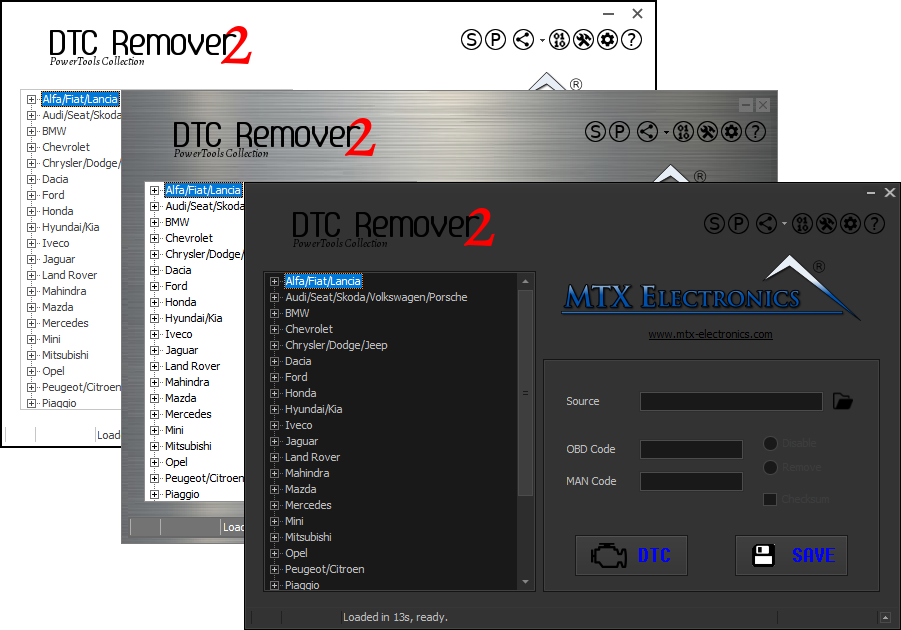
Lets you quickly disable fault codes to turn off the MIL light directly from your ECU file. Available in Standard and PowerTools editions with advanced scripting and online presets to remove faults by component groups.
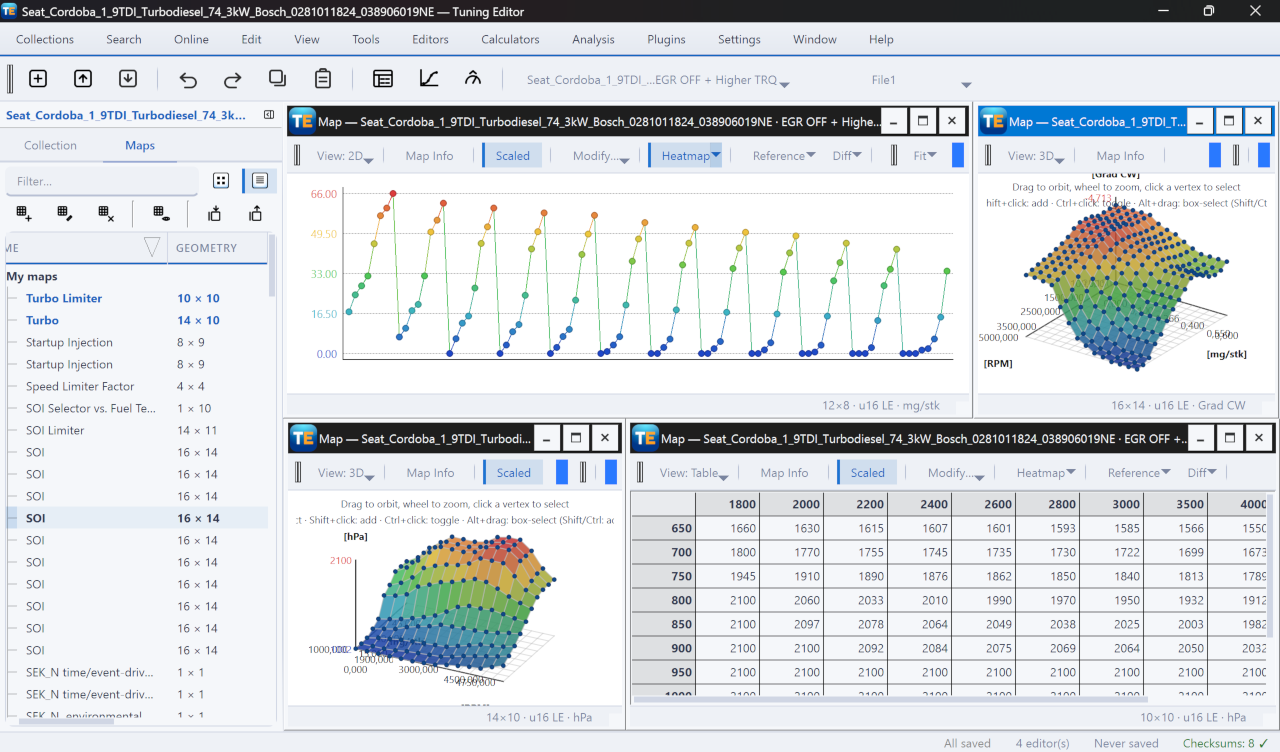
A free, modern Windows software for viewing and editing ECU calibration data - map and hex editors, tuning calculators, and online services.
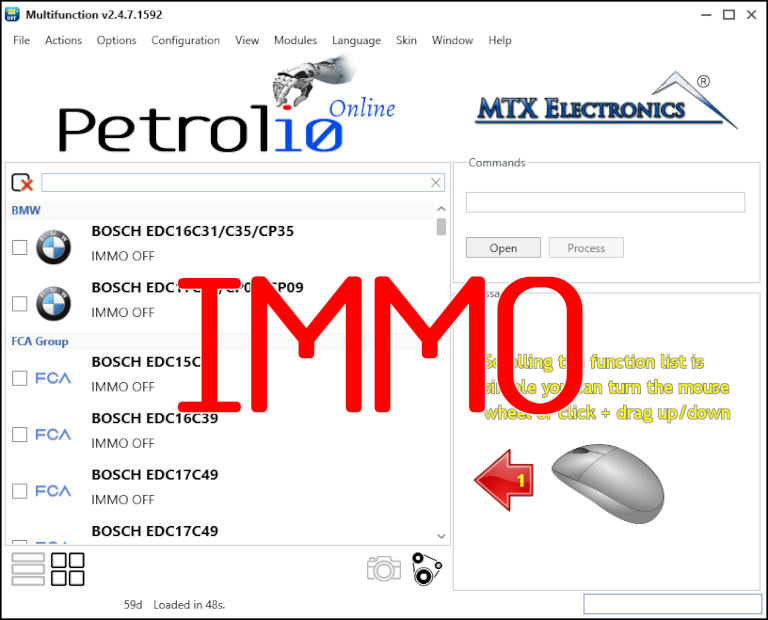
Immobilizer deactivation software for automotive professionals. Disable factory immobilizers directly in the ECU file ideal for engine swaps, track vehicles, and module replacements.