
The View menu lets you choose how the home-page list is shown, switching between All Solutions and Manufacturer. Both modes also have a quick button at the bottom-left of the main window.
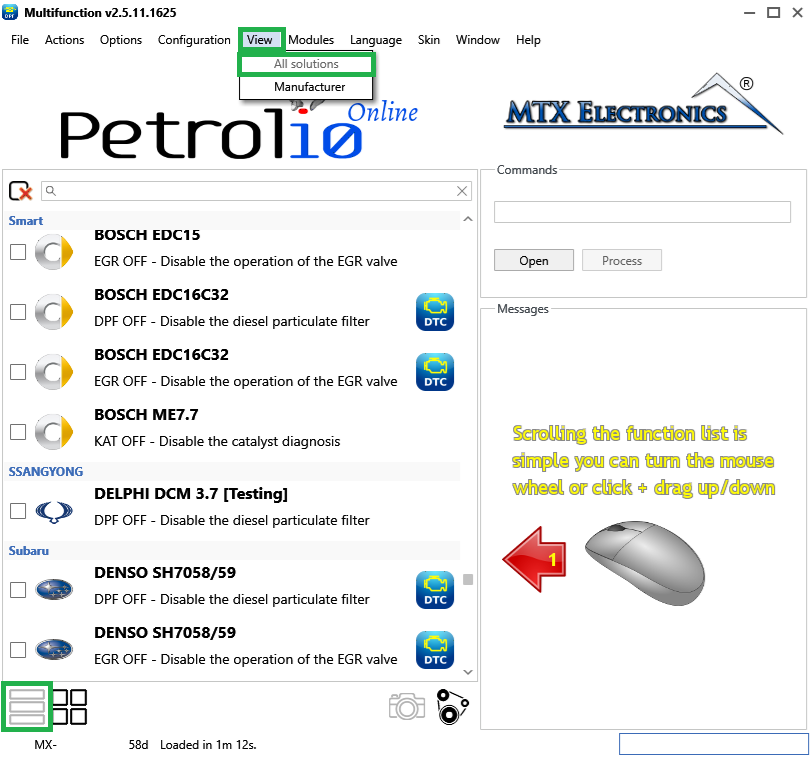
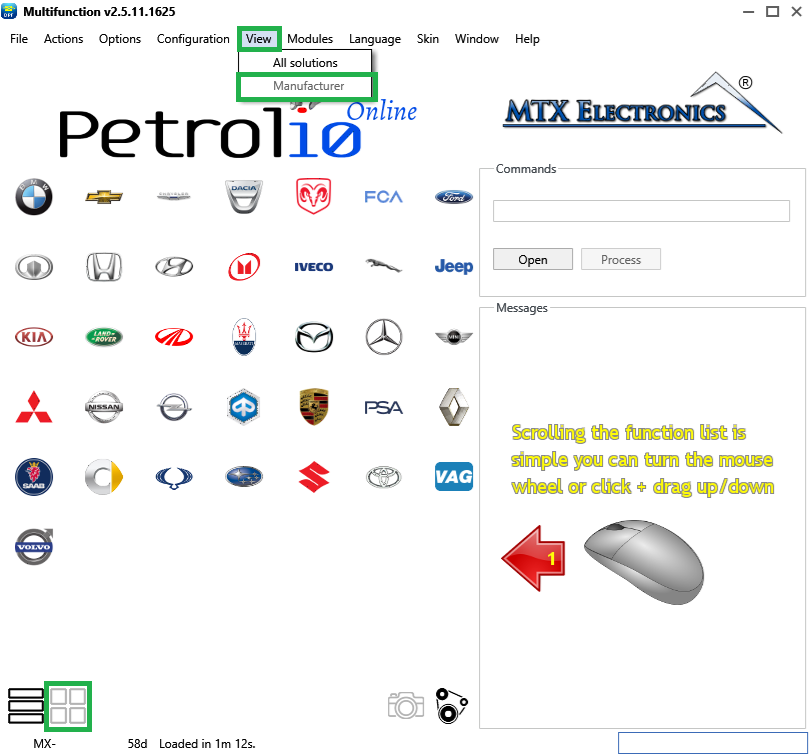
Tip — The two entries mirror the quick buttons at the bottom-left of the main window, so you can flip between views without opening the menu.
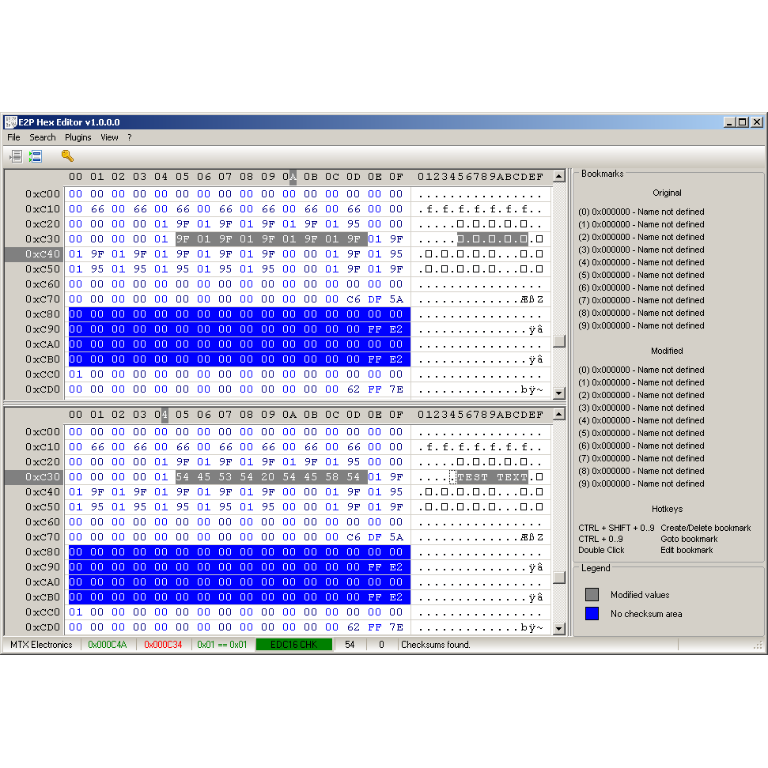
A hex editor built specifically for editing EEPROM data in automotive ECUs. With real-time checksum correction, side-by-side file comparison, and plugin support for automated tasks it's the ultimate tool for professionals.
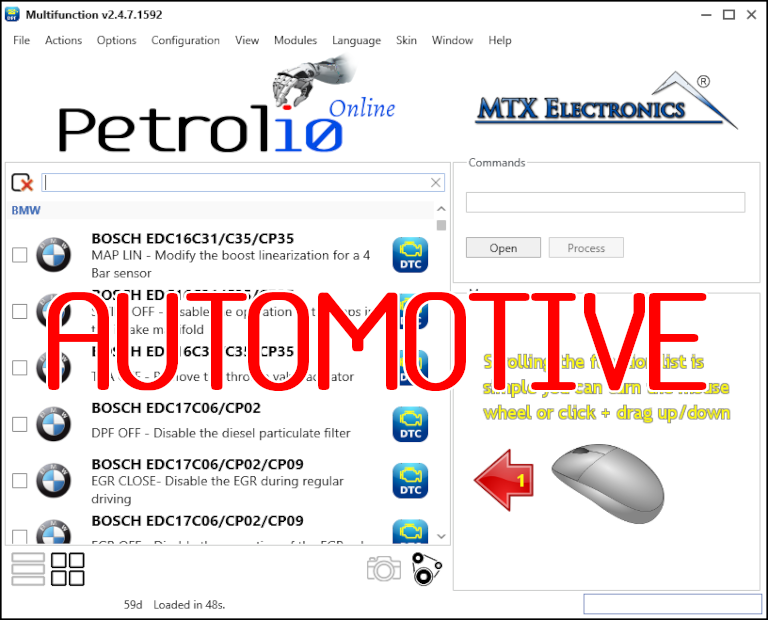
All-in-one application for tuning experts preparing vehicles for track use. Designed for professional workshops, it simplifies the deactivation of non essential components to unlock true performance.
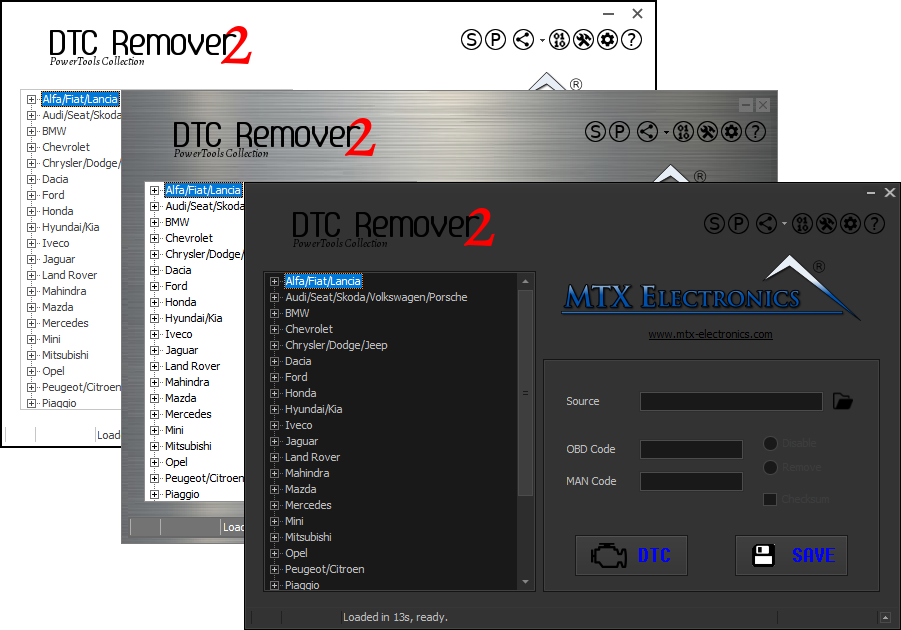
Lets you quickly disable fault codes to turn off the MIL light directly from your ECU file. Available in Standard and PowerTools editions with advanced scripting and online presets to remove faults by component groups.