
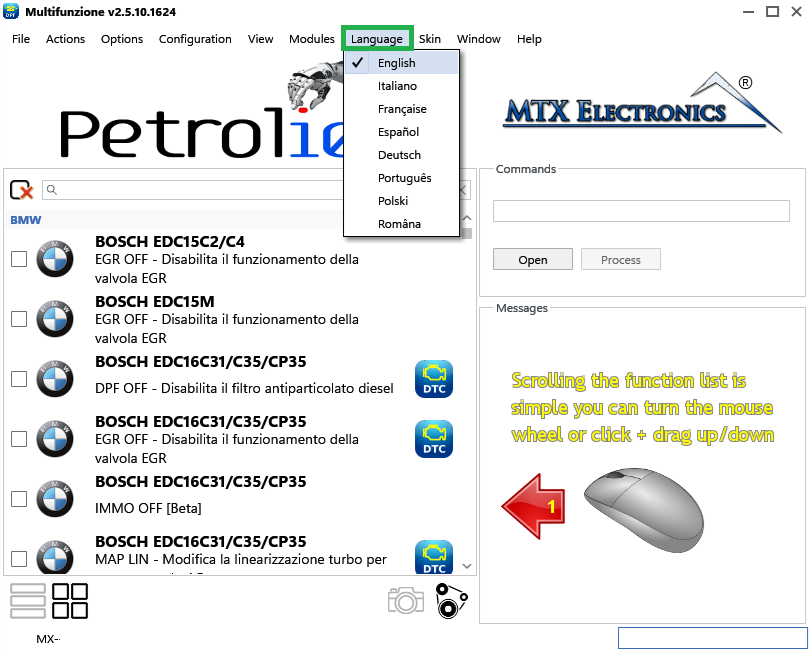
In Petrol10 you can change the program language and customise how it works. The language can be set to Italian, English, Spanish, French, Portuguese, Polish, Romanian or German.
To change the language, select it from the Language drop-down menu (Figure 1).
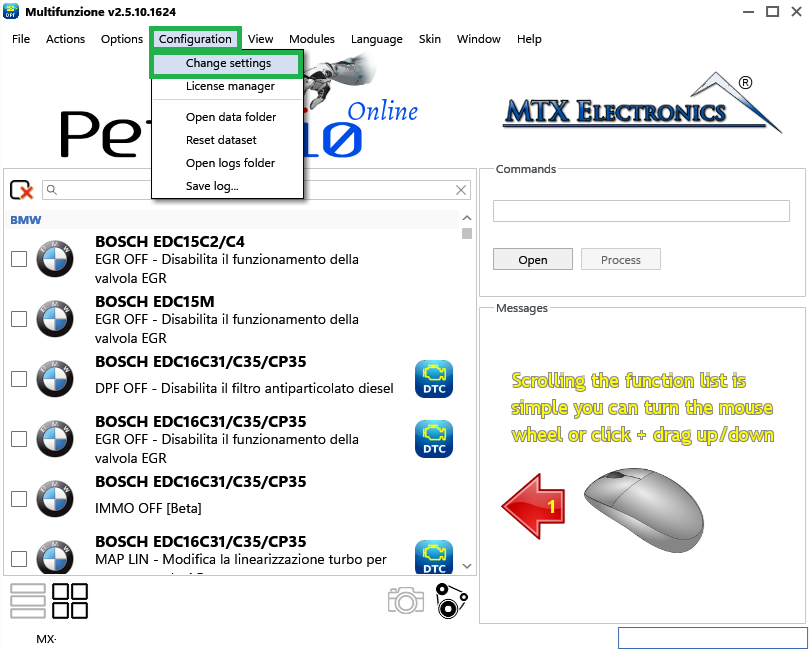
To change the settings, open the Configuration menu and click Change Settings (Figure 2).
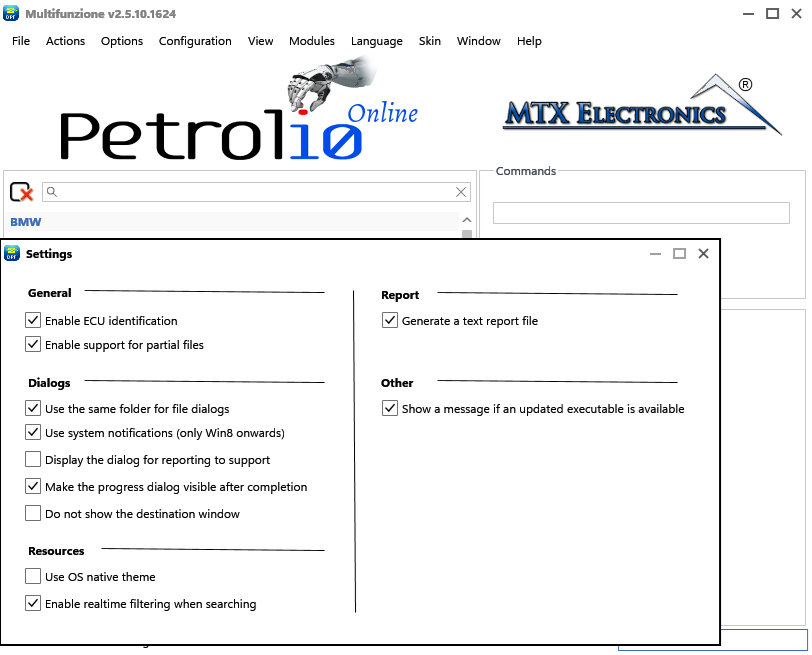
A window opens (Figure 3) where you can customise the software — for example, enable the use of partial files by checking the appropriate box.
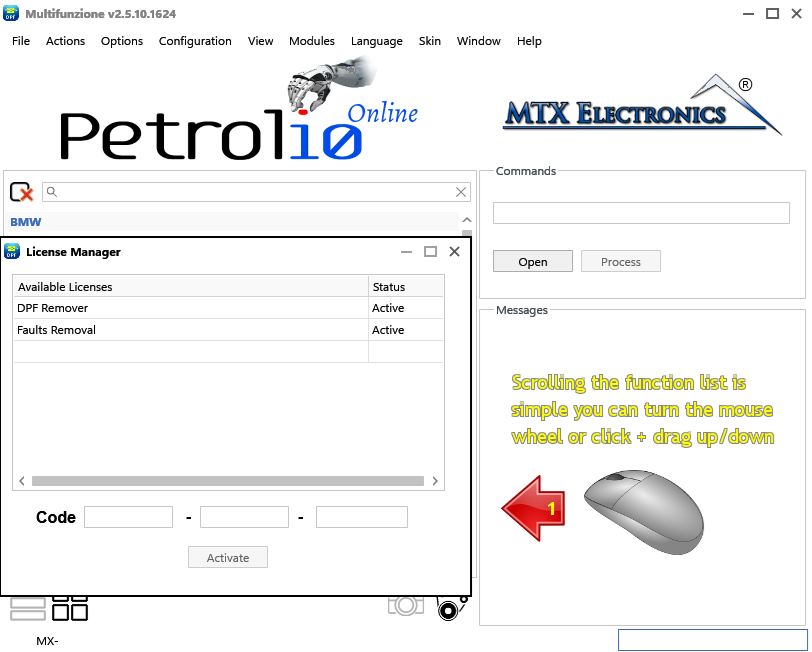
From the Configuration menu you can also open the License Manager (Figure 4), which lists the active licences for your dongle. You can add a new one by entering its serial number in the CODE field and clicking Activate.
Open data folder (Figure 5) quickly opens the Windows folder where the Petrol10 configuration files are stored.
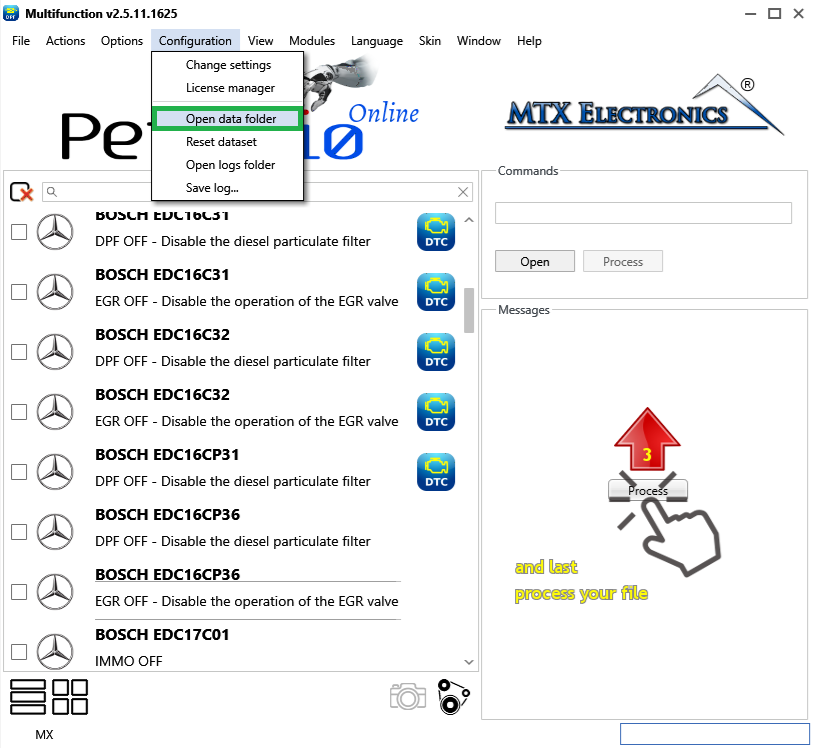
Reset dataset (Figure 6) re-initialises the software, erasing everything it has learned during use and returning the dataset to its initial state.
Warning — Resetting the dataset cannot be undone — it clears everything the software has learned. Use it only if you want to start completely fresh.
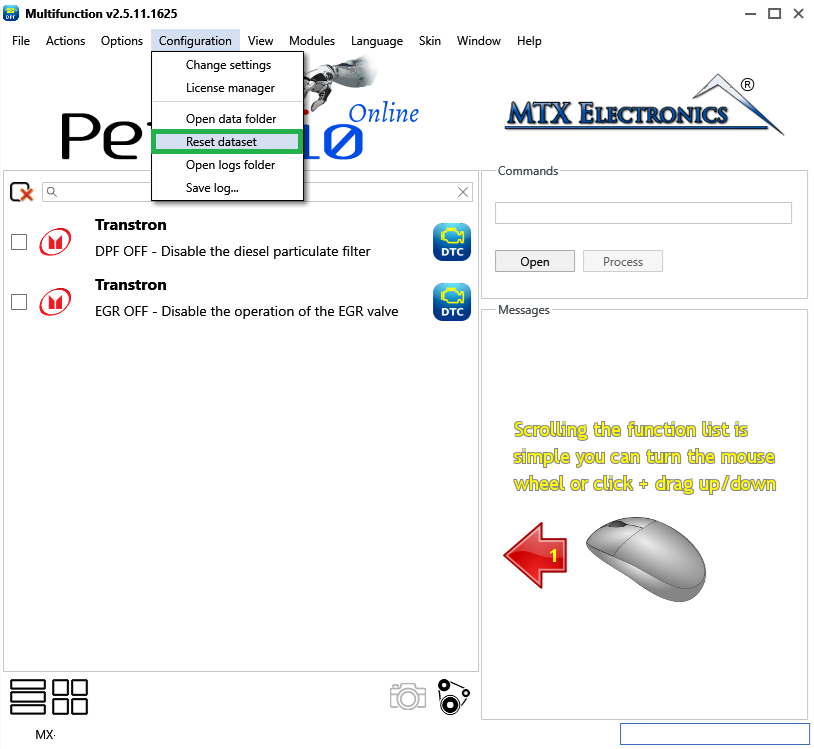
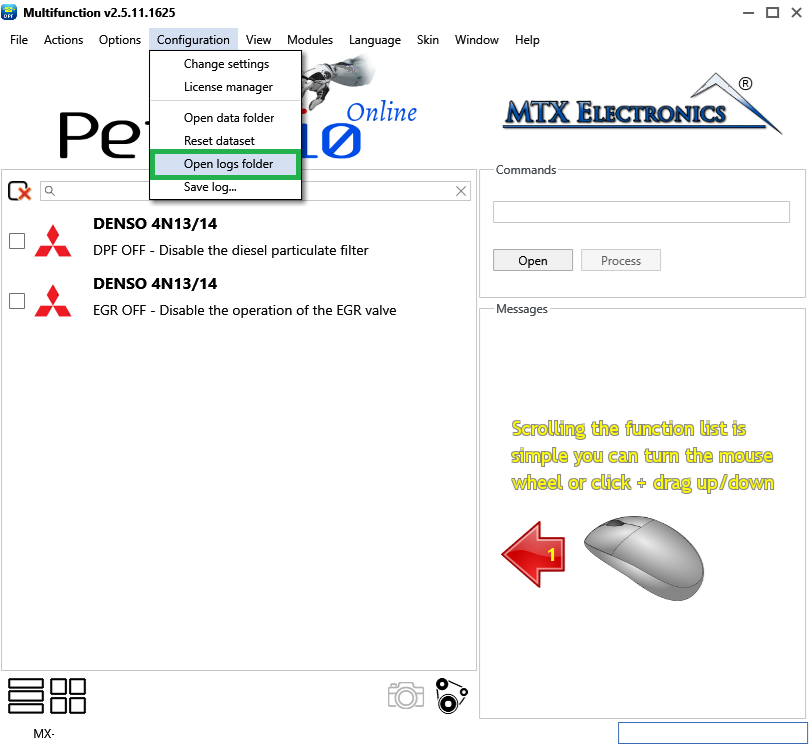
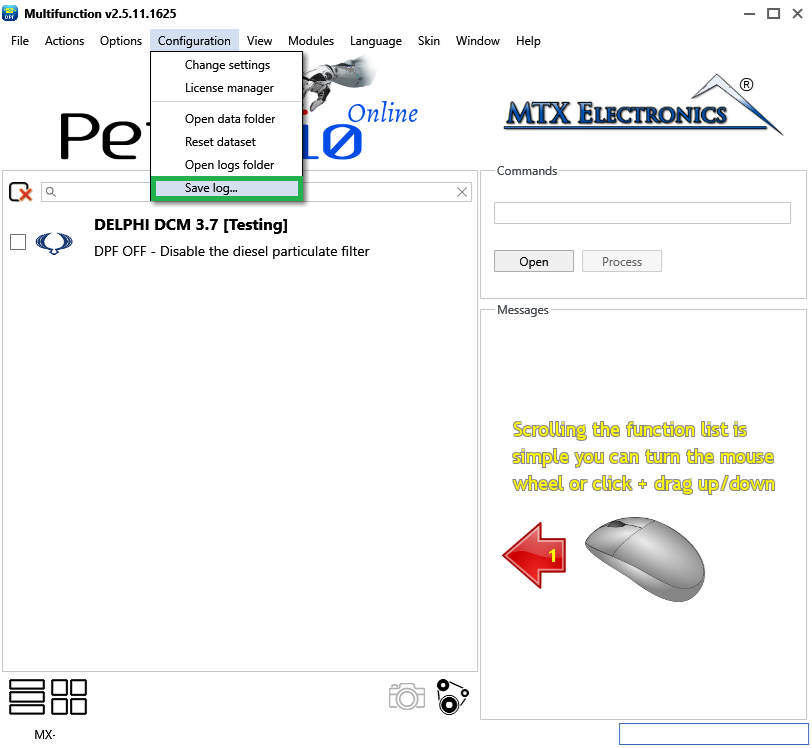
The last two options are Open Logs Folder (Figure 7) and Save Log (Figure 8): respectively, they open the folder where all the software logs are saved, and save the log of the last processing session.
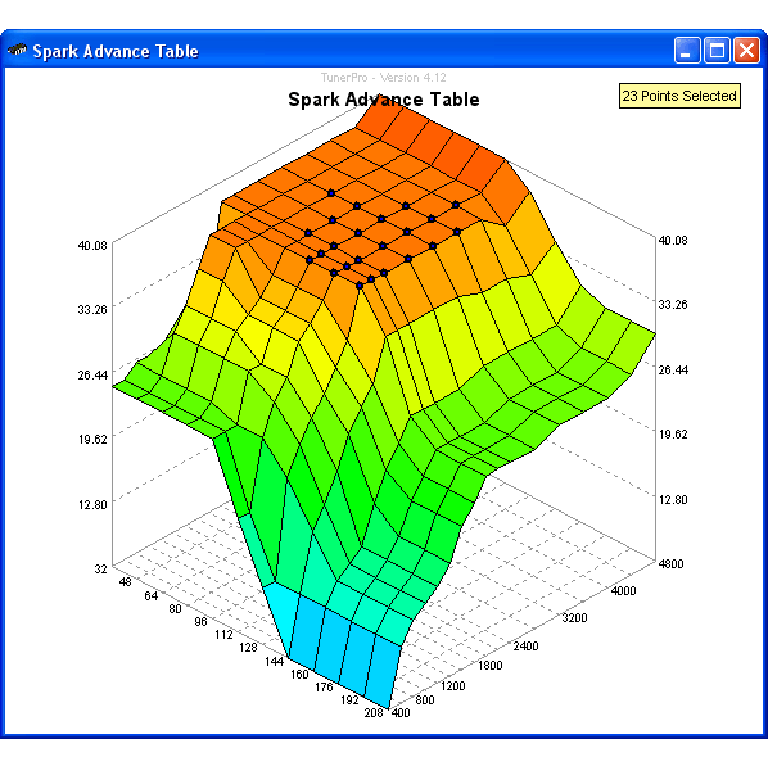
A free collection of checksum correction plugins for TunerPro that ensures safe ECU tuning. Automatically verify and update file checksums for reliable vehicle performance.
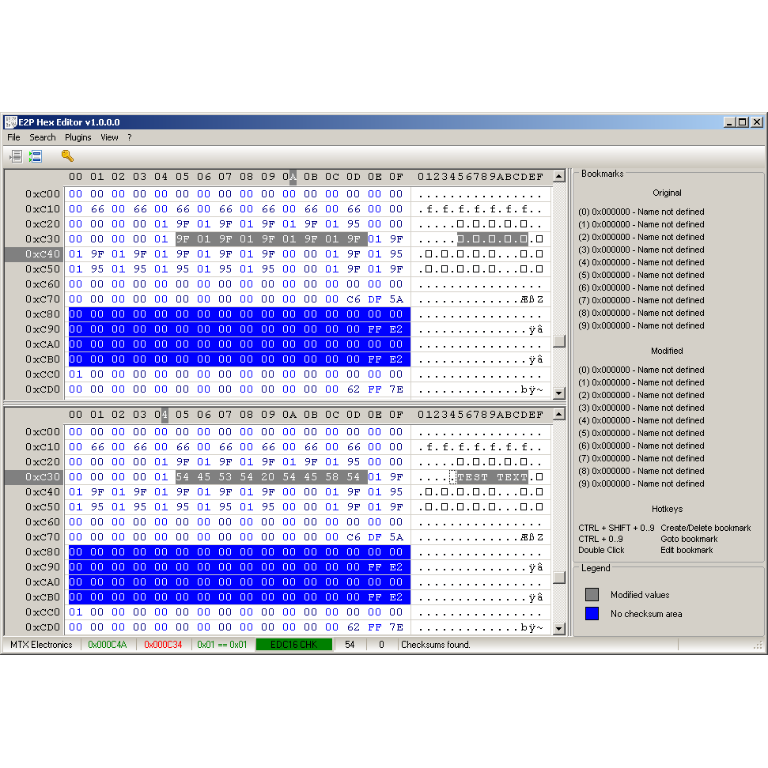
A hex editor built specifically for editing EEPROM data in automotive ECUs. With real-time checksum correction, side-by-side file comparison, and plugin support for automated tasks it's the ultimate tool for professionals.
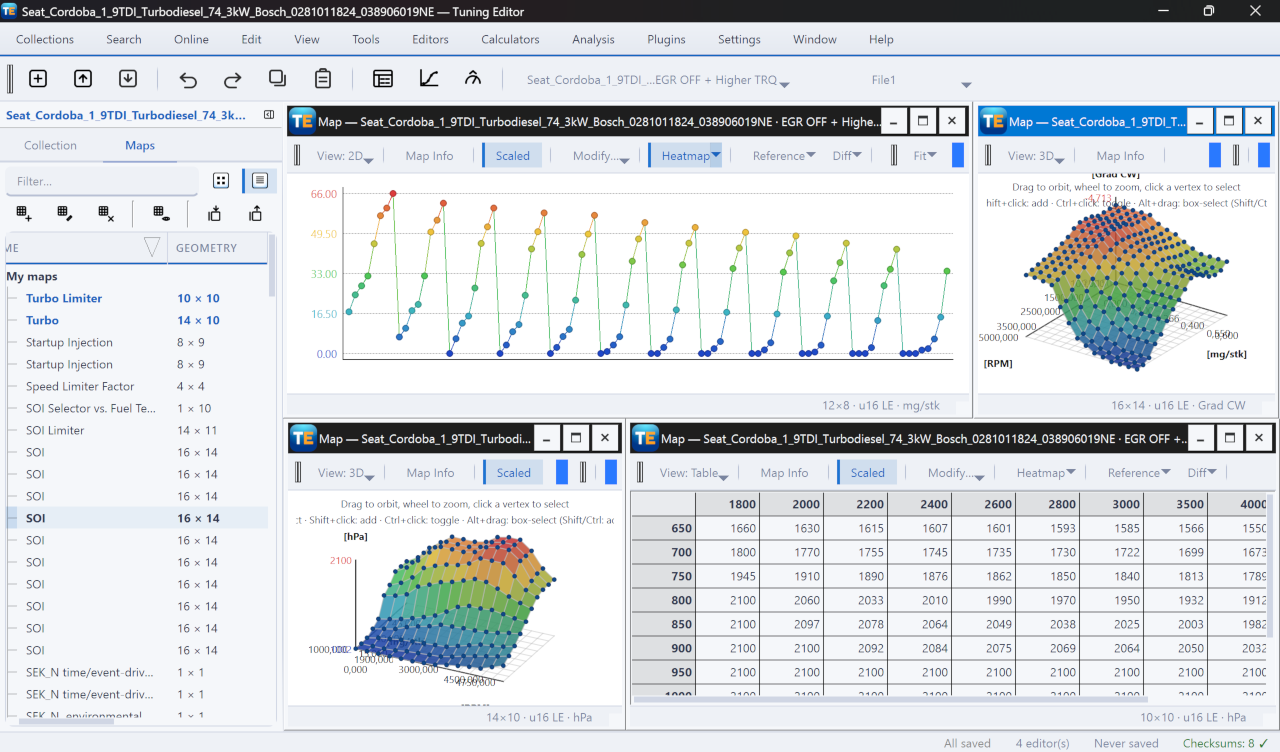
A free, modern Windows software for viewing and editing ECU calibration data - map and hex editors, tuning calculators, and online services.